Clinical EHR
Charting, templates, ePrescribing, labs, and complete patient history, built for the long timelines respiratory conditions require.
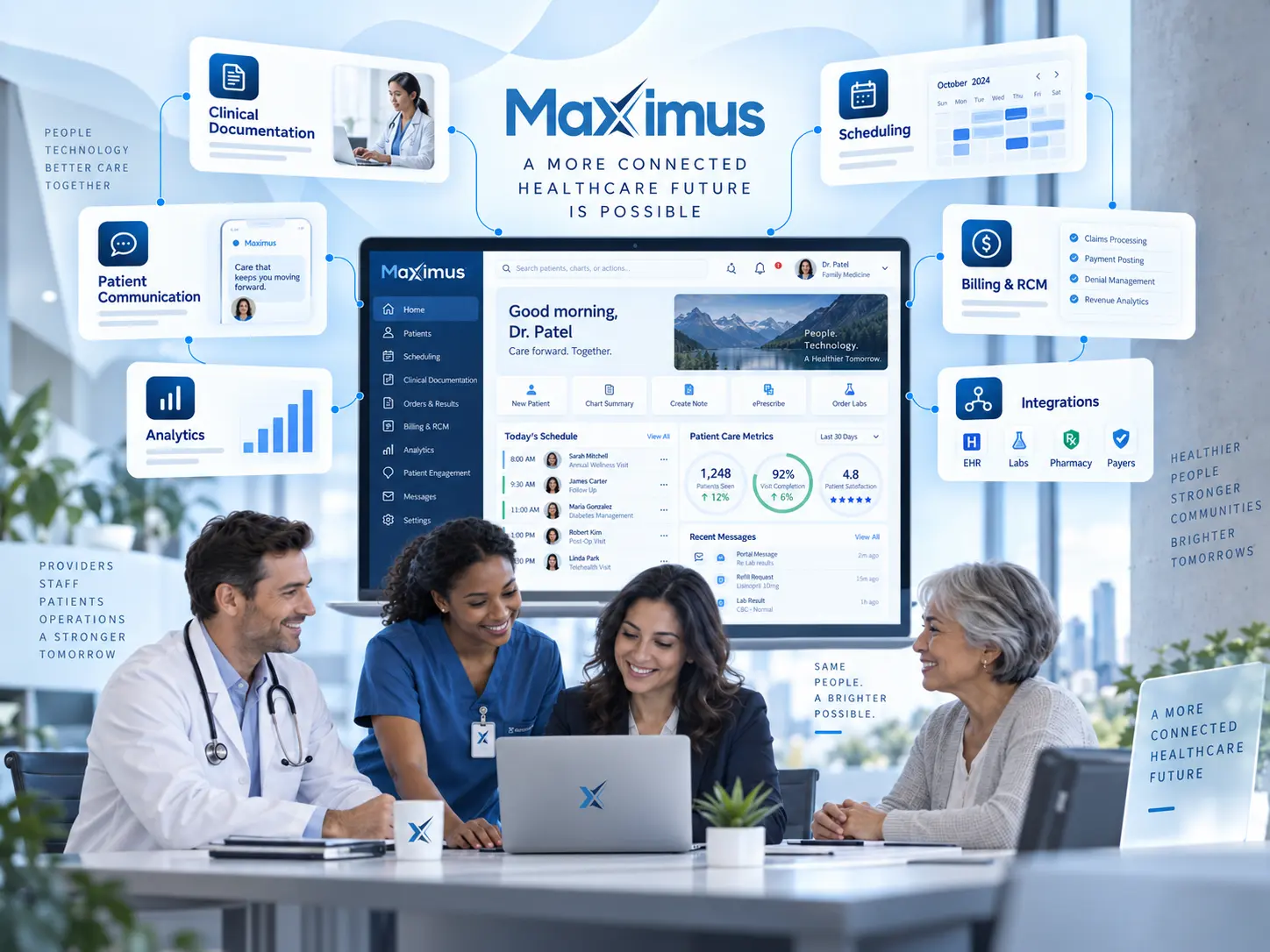
Manage patient records, clinical data, and care workflows in one connected system.
Simplify daily operations from scheduling to front-office workflows.
Keep patients connected with convenient digital communication and access.
Deliver secure virtual care directly through the Maximus platform.
Use intelligent automation to streamline clinical and administrative work.
Connect Maximus with the tools and systems your practice already uses.
Create accurate clinical notes faster with AI-assisted documentation.
Capture patient conversations and turn them into structured clinical notes.
Send prescriptions electronically with a faster, safer provider workflow.
Standardize documentation with flexible templates built around your workflow.
Manage lab orders, results, and clinical follow-up from one place.
Track referrals efficiently from request through completion and follow-up.
Make booking and schedule management easier for staff and patients.
Give patients secure access to appointments, records, and communication.
Collect patient information digitally before the visit begins.
Communicate securely with patients without relying on disconnected tools.
Reduce missed visits with automated patient appointment notifications.
Send and receive healthcare documents securely without traditional fax workflows.
Simplify daily operations from scheduling to front-office workflows.
Keep patients connected with convenient digital communication and access.
Deliver secure virtual care directly through the Maximus platform.
Use intelligent automation to streamline clinical and administrative work.
Connect Maximus with the tools and systems your practice already uses.
Create accurate clinical notes faster with AI-assisted documentation.
Capture patient conversations and turn them into structured clinical notes.
Send prescriptions electronically with a faster, safer provider workflow.
Standardize documentation with flexible templates built around your workflow.
Manage lab orders, results, and clinical follow-up from one place.
Stay ahead with healthcare insights, EHR updates, practice growth tips, and exclusive Maximus news—all in one quick email.
Manage patient records, clinical data, and care workflows in one connected system.
Simplify daily operations from scheduling to front-office workflows.
Keep patients connected with convenient digital communication and access.
Deliver secure virtual care directly through the Maximus platform.
Use intelligent automation to streamline clinical and administrative work.
Connect Maximus with the tools and systems your practice already uses.
Create accurate clinical notes faster with AI-assisted documentation.
Capture patient conversations and turn them into structured clinical notes.
Send prescriptions electronically with a faster, safer provider workflow.
Standardize documentation with flexible templates built around your workflow.
Manage lab orders, results, and clinical follow-up from one place.
Track referrals efficiently from request through completion and follow-up.
Make booking and schedule management easier for staff and patients.
Give patients secure access to appointments, records, and communication.
Collect patient information digitally before the visit begins.
Communicate securely with patients without relying on disconnected tools.
Reduce missed visits with automated patient appointment notifications.
Send and receive healthcare documents securely without traditional fax workflows.
Simplify daily operations from scheduling to front-office workflows.
Keep patients connected with convenient digital communication and access.
Deliver secure virtual care directly through the Maximus platform.
Use intelligent automation to streamline clinical and administrative work.
Connect Maximus with the tools and systems your practice already uses.
Create accurate clinical notes faster with AI-assisted documentation.
Capture patient conversations and turn them into structured clinical notes.
Send prescriptions electronically with a faster, safer provider workflow.
Standardize documentation with flexible templates built around your workflow.
Manage lab orders, results, and clinical follow-up from one place.
Document the exam, the numbers, and the plan faster, with scheduling, coding, and billing in the same system.

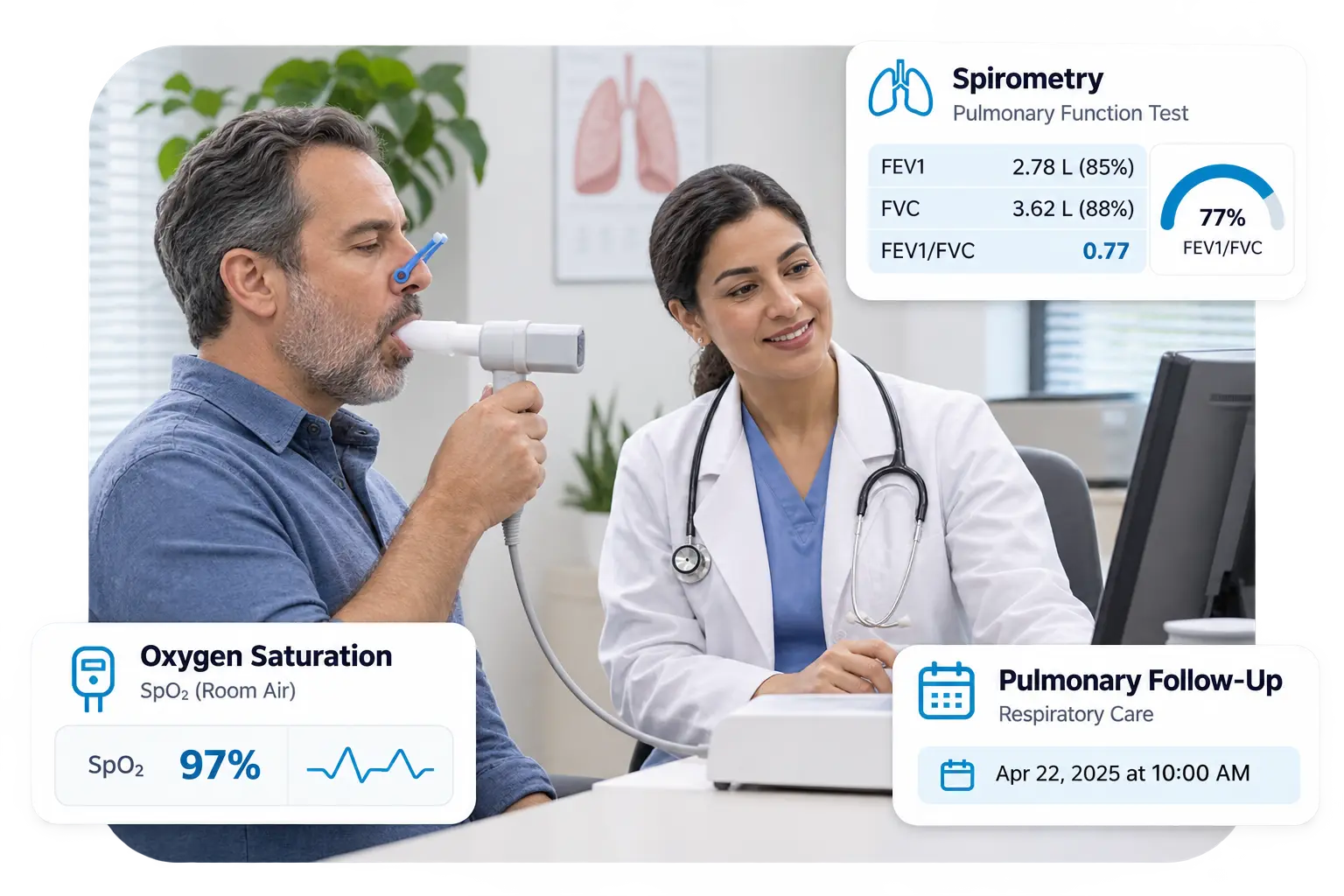
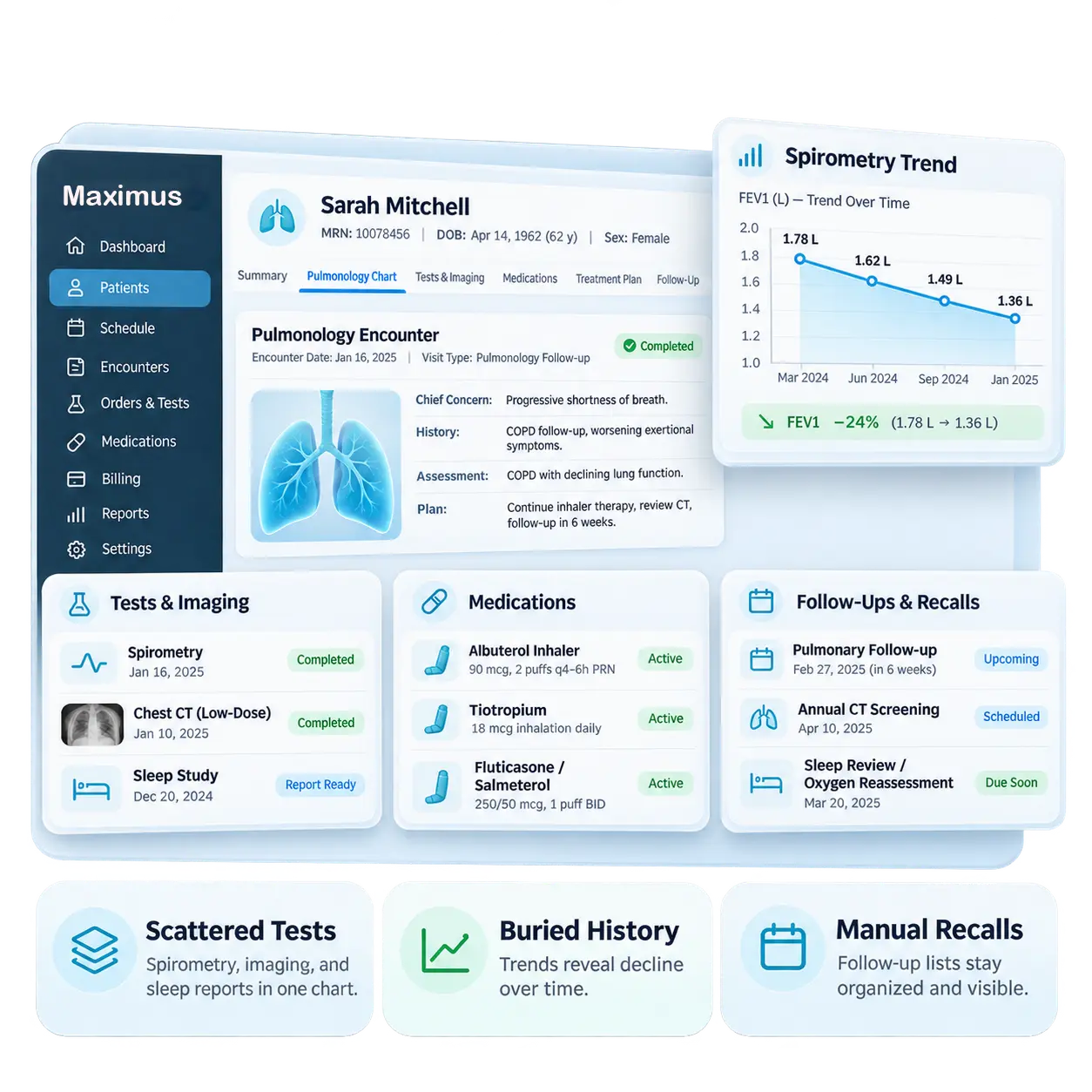
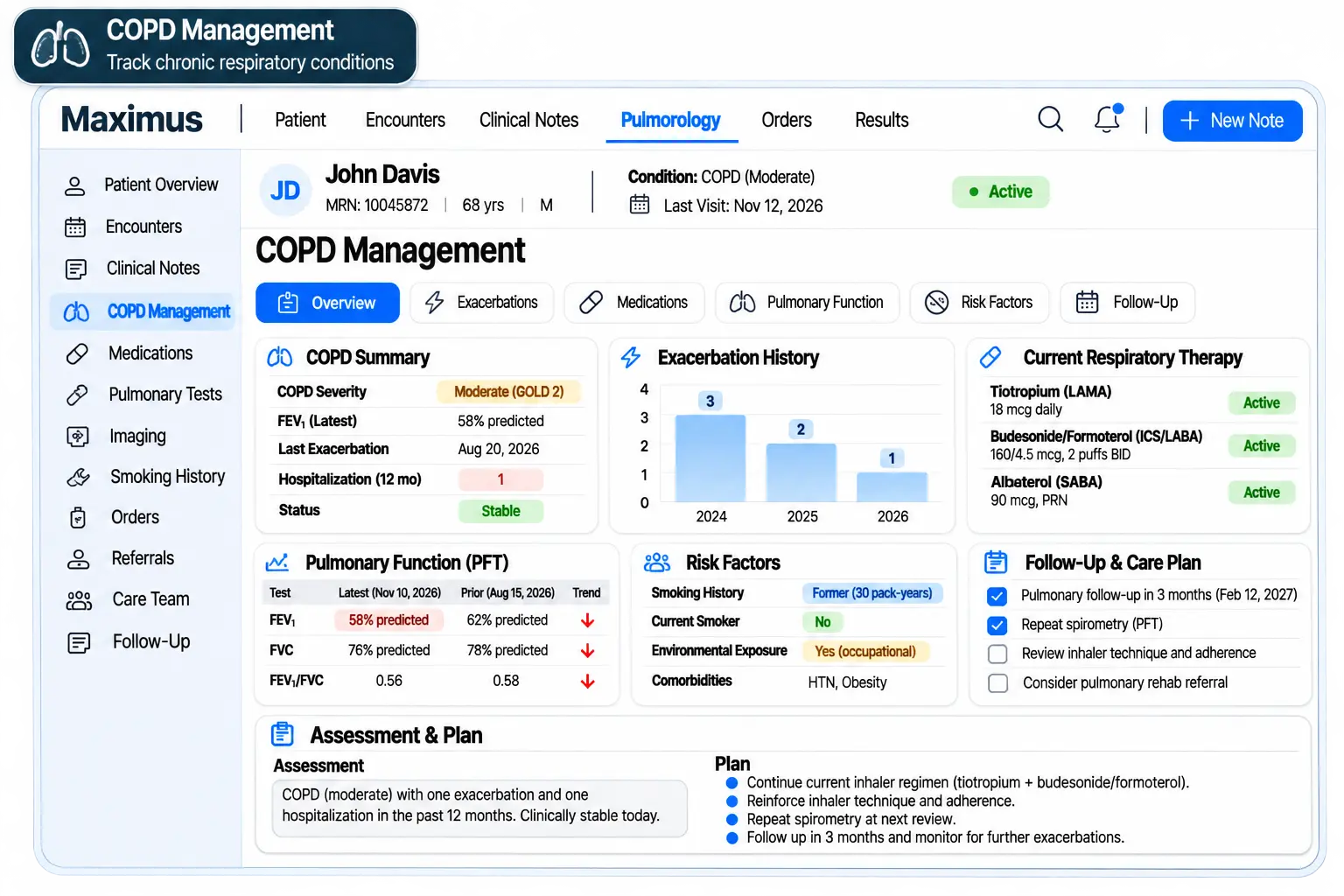
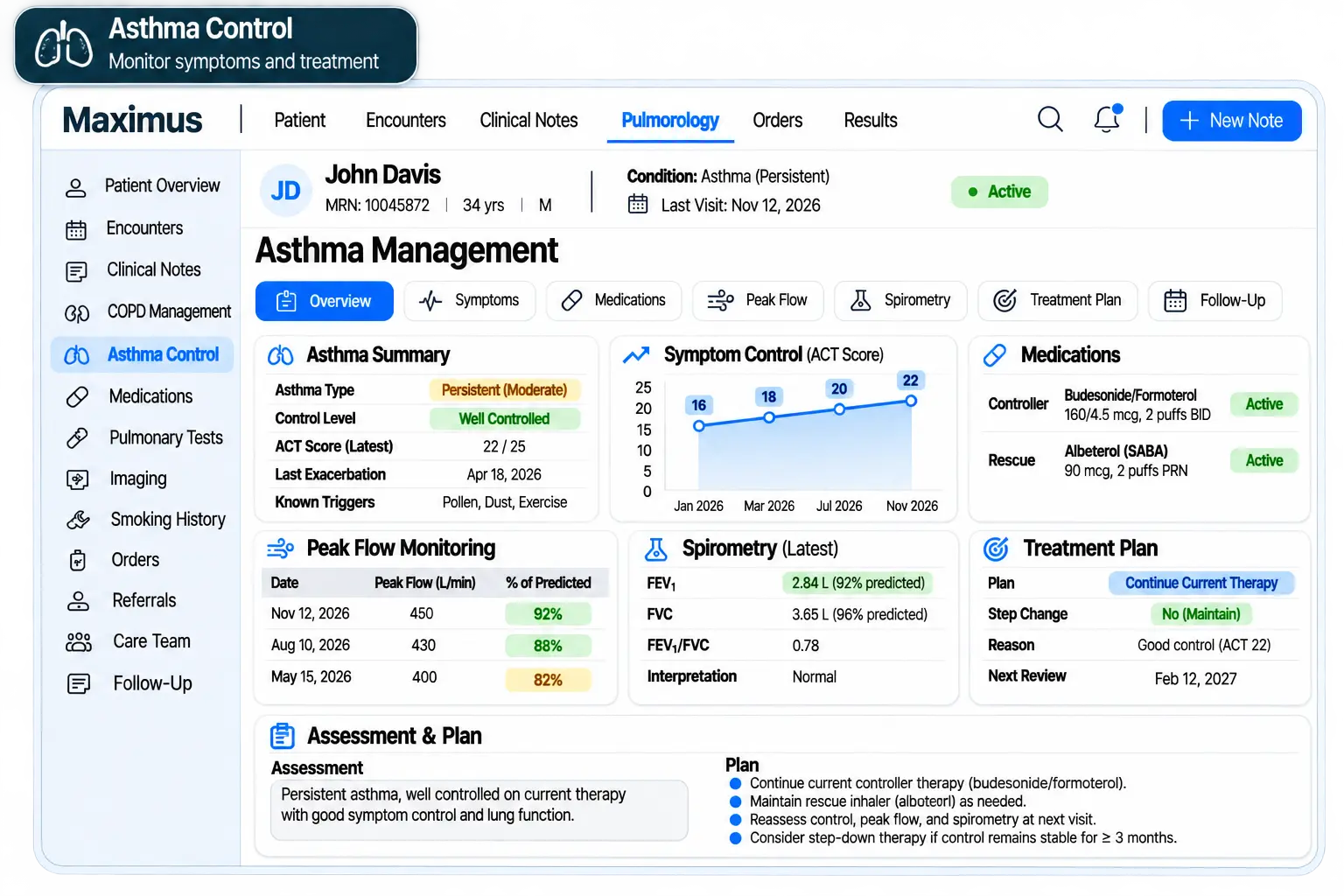
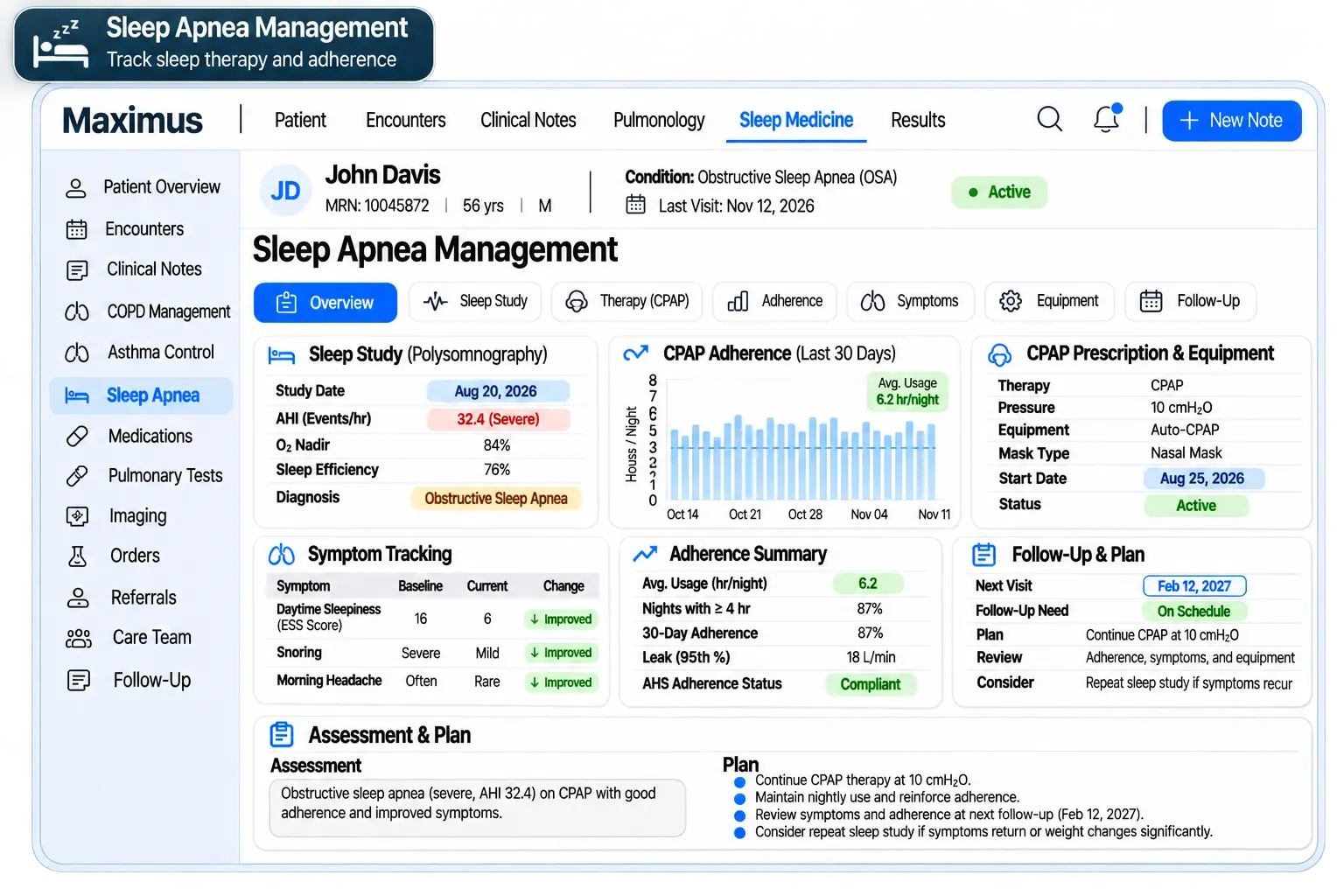
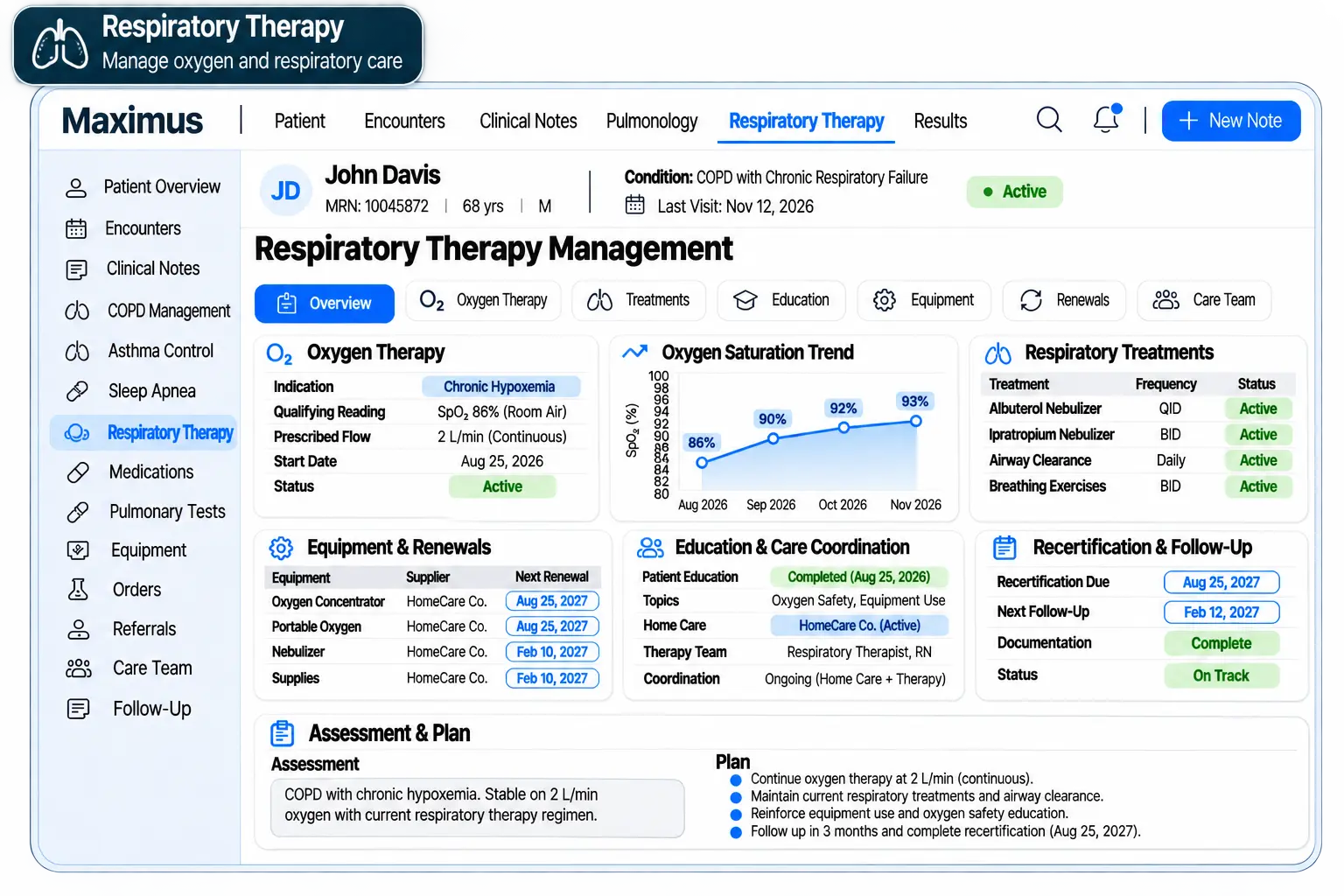
Build pulmonary examination templates for breath sounds, work of breathing, oxygen saturation, and related findings. Reuse what repeats and adjust what does not.
Keep pulmonary function testing and spirometry results in the chart with dates, values, and trends. Support lung function monitoring across visits so decline or stability is visible at a glance.
Order, receive, and review pulmonary imaging reports for chest X-ray, CT, and related studies from the encounter, with findings attached to the chart.
Document treatment plans with goals, medications, referrals, and follow-up timing in one place, supporting respiratory disease management from diagnosis onward.
Connect the clinical note to the claim. Maximus supports coding assistance, claim scrubbing, electronic claims, ERA posting, and denial management, so what is documented carries through to pulmonology billing.
Document respiratory medications, prescriptions, and dosage changes within the patient chart. Keep medication history, treatment adjustments, and refill needs accessible to support consistent care across visits.
Scanned PDFs or typed values
Results stored with trends beside the visit note
Free-text notes
Documented with readings, flow, and recertification dates
Reports kept in other systems
Study, therapy, and adherence tied to the patient
Manual recall lists
Overdue patients flagged for outreach
Re-entered after the visit
Documented work carries into the claim
Charting, templates, ePrescribing, labs, and complete patient history, built for the long timelines respiratory conditions require.
Pulmonology practice management software covering scheduling, registration, eligibility, referrals, tasks, and multi-location operations.
Coding assistance, claim scrubbing, electronic claims, ERA, patient statements, and denial management in one workflow.
Portal access, reminders, secure messaging, payments, and digital forms, so patients stay connected between visits.