Set Up Your Practice
We configure templates, visit types, and clinical workflows around your oncology team's requirements and migrate your existing patient records.
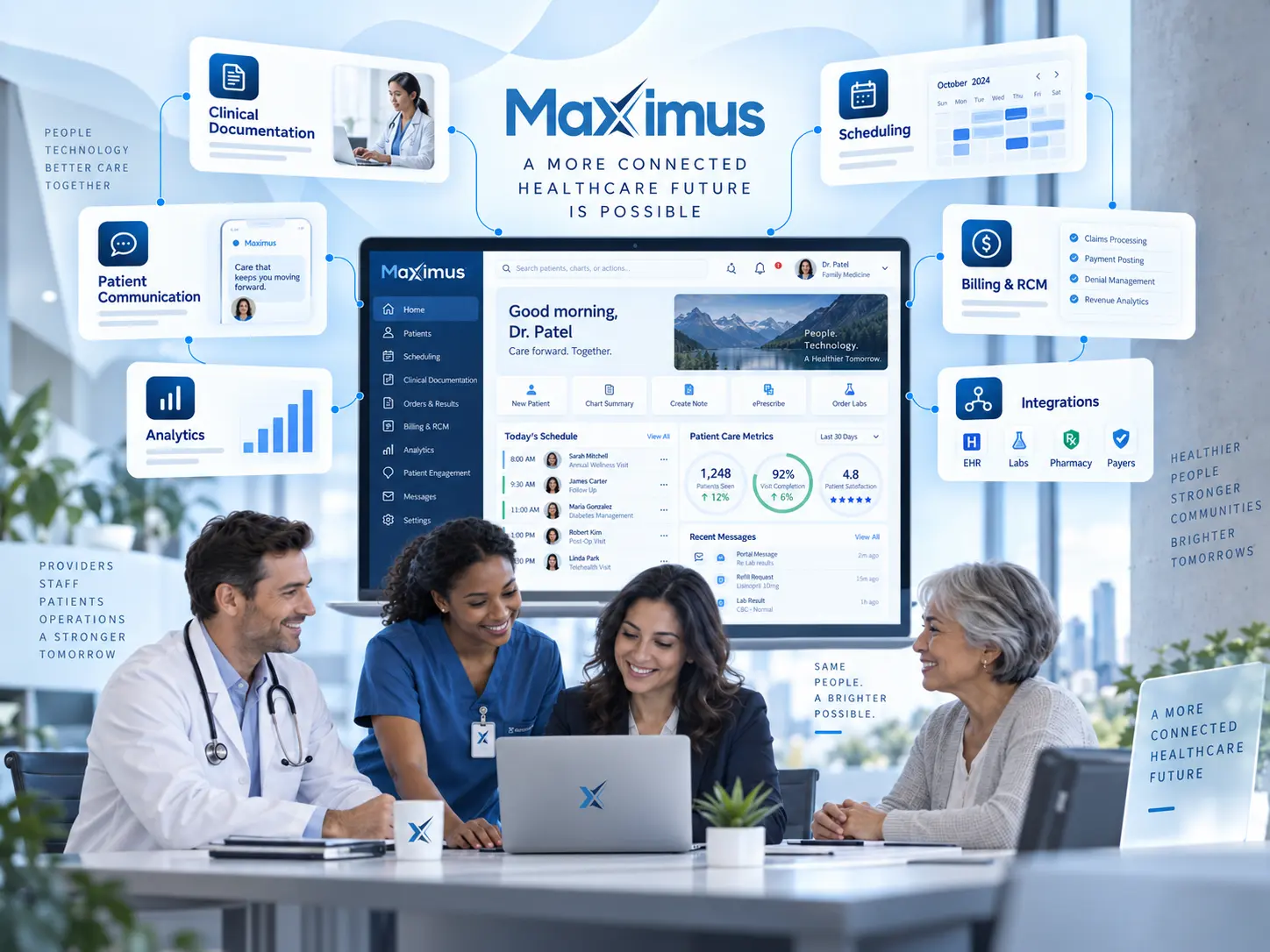
Manage patient records, clinical data, and care workflows in one connected system.
Simplify daily operations from scheduling to front-office workflows.
Keep patients connected with convenient digital communication and access.
Deliver secure virtual care directly through the Maximus platform.
Use intelligent automation to streamline clinical and administrative work.
Connect Maximus with the tools and systems your practice already uses.
Create accurate clinical notes faster with AI-assisted documentation.
Capture patient conversations and turn them into structured clinical notes.
Send prescriptions electronically with a faster, safer provider workflow.
Standardize documentation with flexible templates built around your workflow.
Manage lab orders, results, and clinical follow-up from one place.
Track referrals efficiently from request through completion and follow-up.
Make booking and schedule management easier for staff and patients.
Give patients secure access to appointments, records, and communication.
Collect patient information digitally before the visit begins.
Communicate securely with patients without relying on disconnected tools.
Reduce missed visits with automated patient appointment notifications.
Send and receive healthcare documents securely without traditional fax workflows.
Simplify daily operations from scheduling to front-office workflows.
Keep patients connected with convenient digital communication and access.
Deliver secure virtual care directly through the Maximus platform.
Use intelligent automation to streamline clinical and administrative work.
Connect Maximus with the tools and systems your practice already uses.
Create accurate clinical notes faster with AI-assisted documentation.
Capture patient conversations and turn them into structured clinical notes.
Send prescriptions electronically with a faster, safer provider workflow.
Standardize documentation with flexible templates built around your workflow.
Manage lab orders, results, and clinical follow-up from one place.
Stay ahead with healthcare insights, EHR updates, practice growth tips, and exclusive Maximus news—all in one quick email.
Manage patient records, clinical data, and care workflows in one connected system.
Simplify daily operations from scheduling to front-office workflows.
Keep patients connected with convenient digital communication and access.
Deliver secure virtual care directly through the Maximus platform.
Use intelligent automation to streamline clinical and administrative work.
Connect Maximus with the tools and systems your practice already uses.
Create accurate clinical notes faster with AI-assisted documentation.
Capture patient conversations and turn them into structured clinical notes.
Send prescriptions electronically with a faster, safer provider workflow.
Standardize documentation with flexible templates built around your workflow.
Manage lab orders, results, and clinical follow-up from one place.
Track referrals efficiently from request through completion and follow-up.
Make booking and schedule management easier for staff and patients.
Give patients secure access to appointments, records, and communication.
Collect patient information digitally before the visit begins.
Communicate securely with patients without relying on disconnected tools.
Reduce missed visits with automated patient appointment notifications.
Send and receive healthcare documents securely without traditional fax workflows.
Simplify daily operations from scheduling to front-office workflows.
Keep patients connected with convenient digital communication and access.
Deliver secure virtual care directly through the Maximus platform.
Use intelligent automation to streamline clinical and administrative work.
Connect Maximus with the tools and systems your practice already uses.
Create accurate clinical notes faster with AI-assisted documentation.
Capture patient conversations and turn them into structured clinical notes.
Send prescriptions electronically with a faster, safer provider workflow.
Standardize documentation with flexible templates built around your workflow.
Manage lab orders, results, and clinical follow-up from one place.

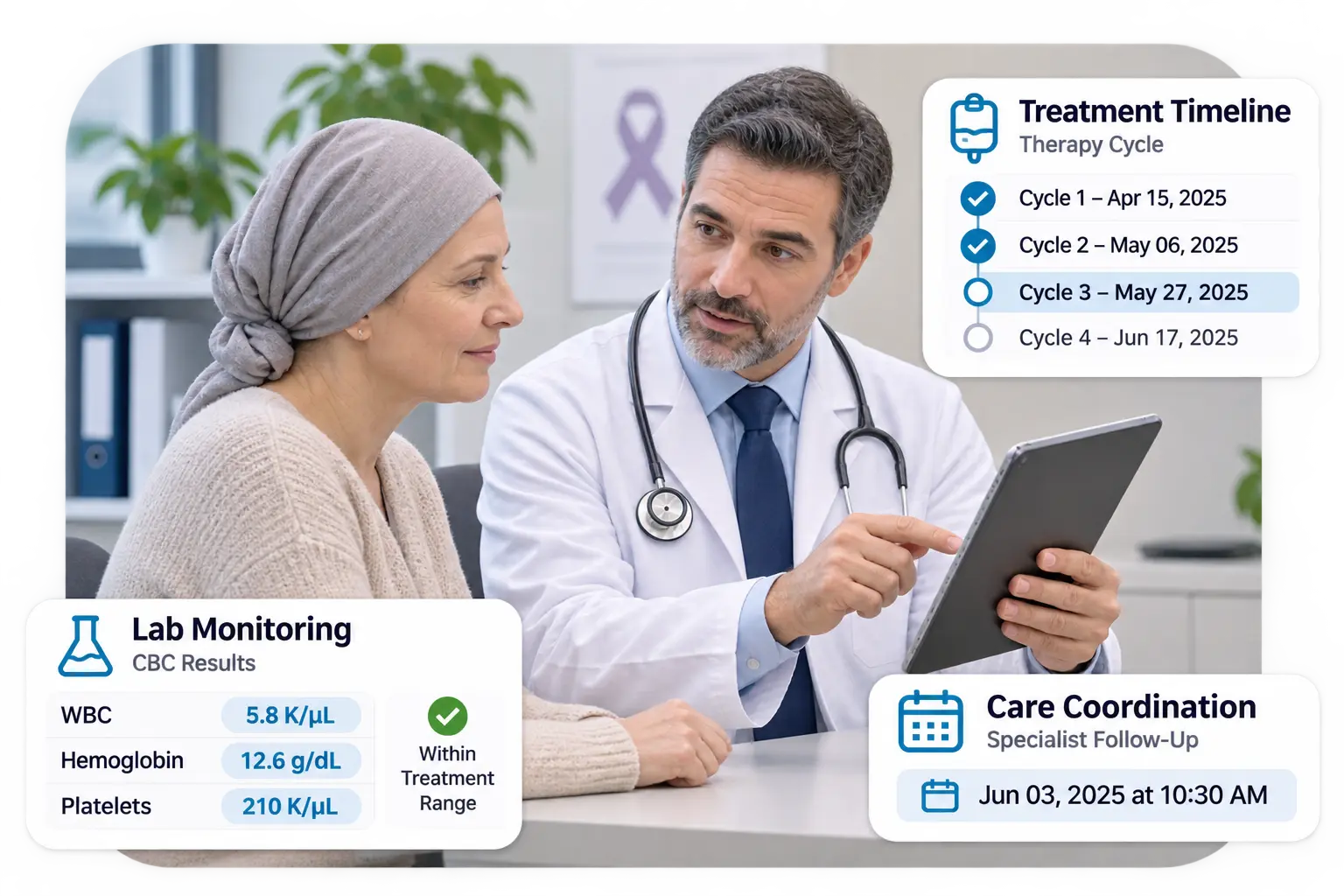
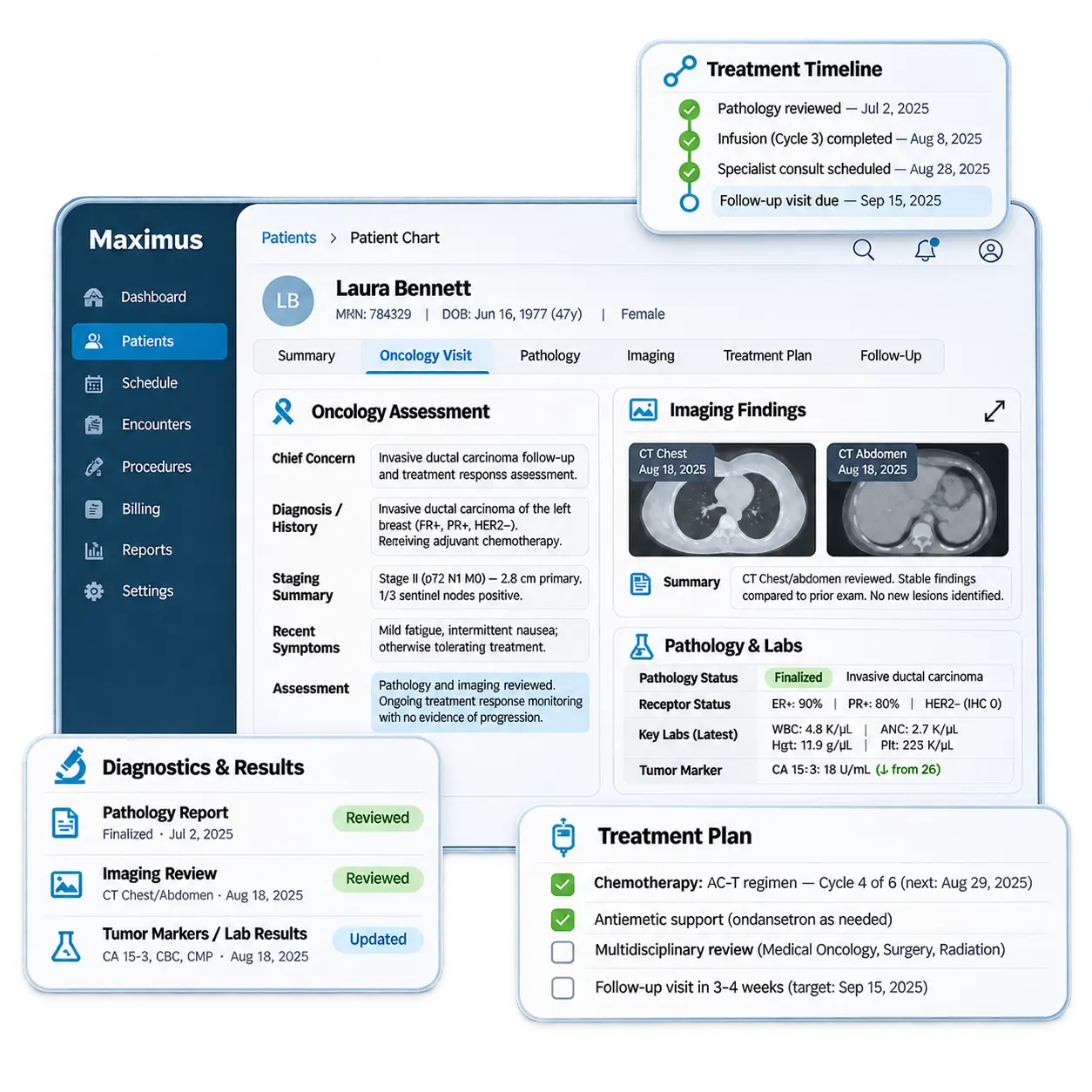
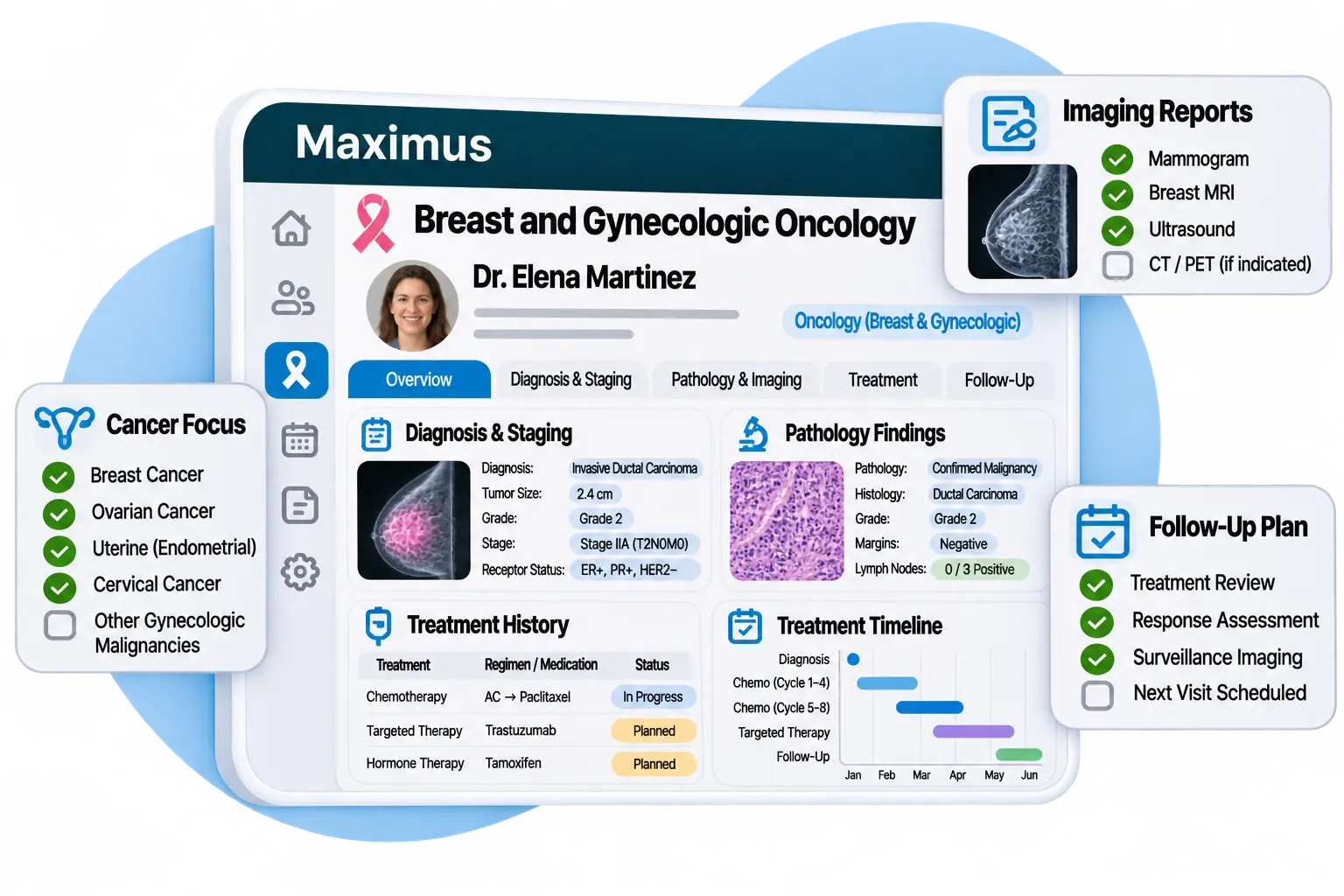
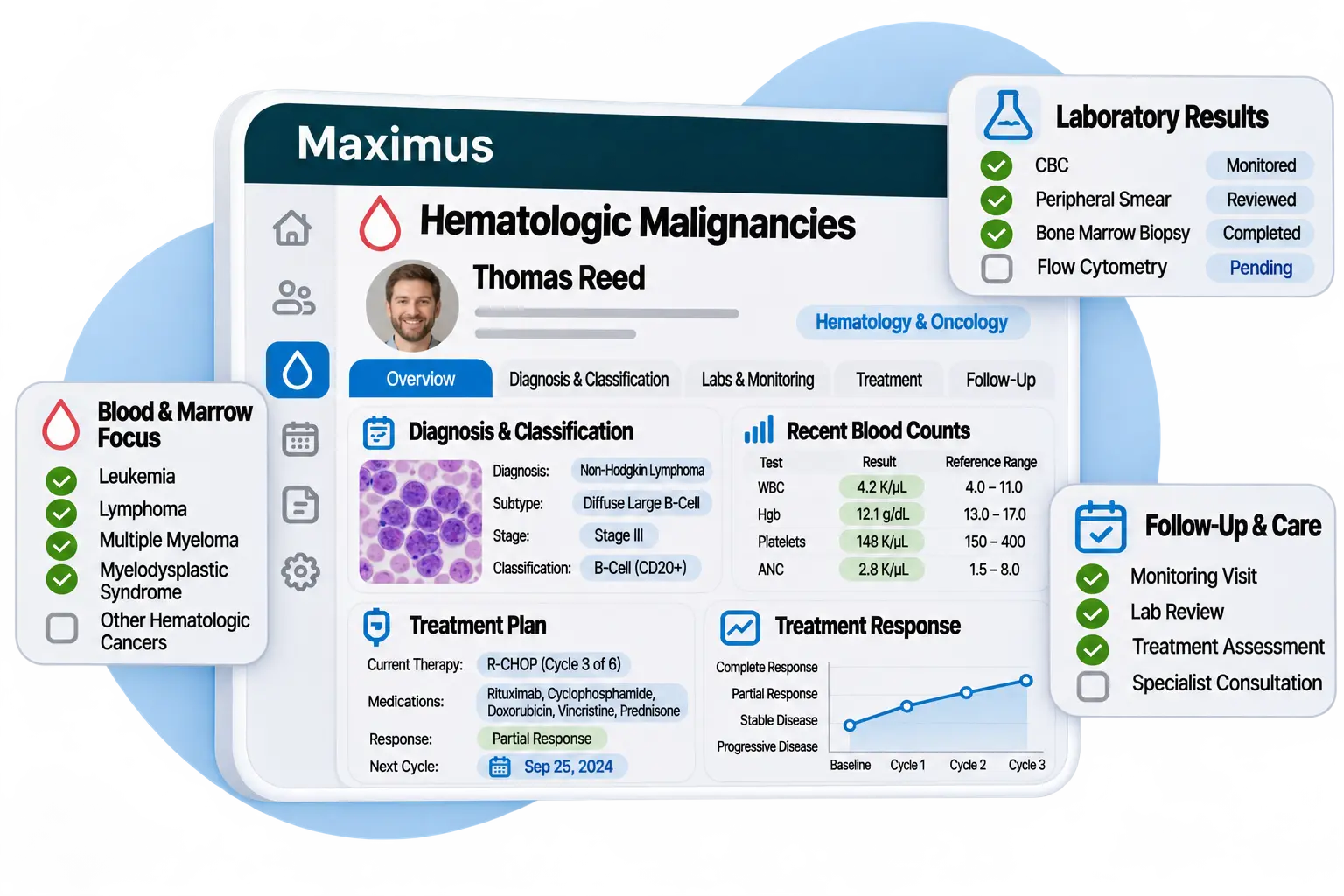
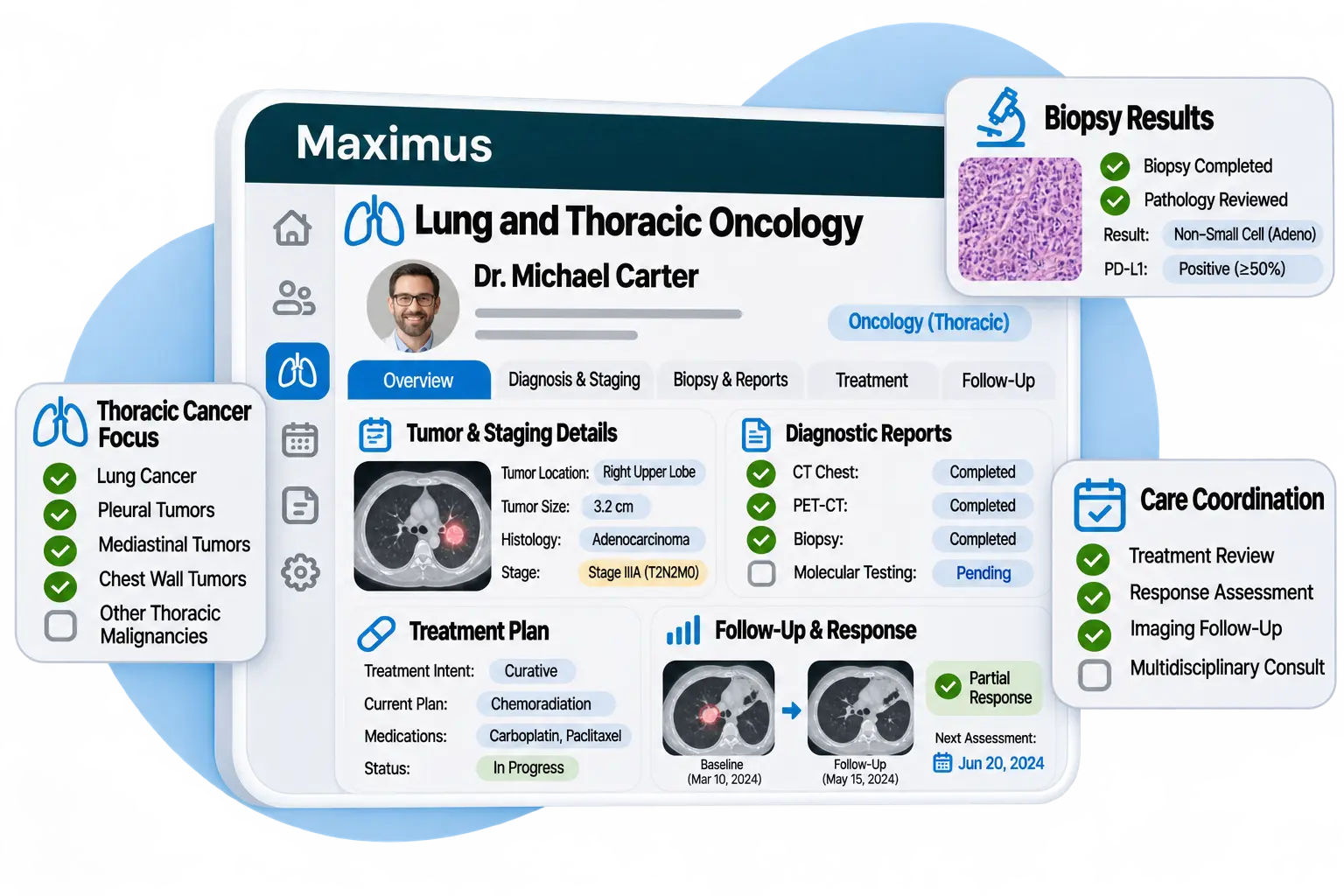
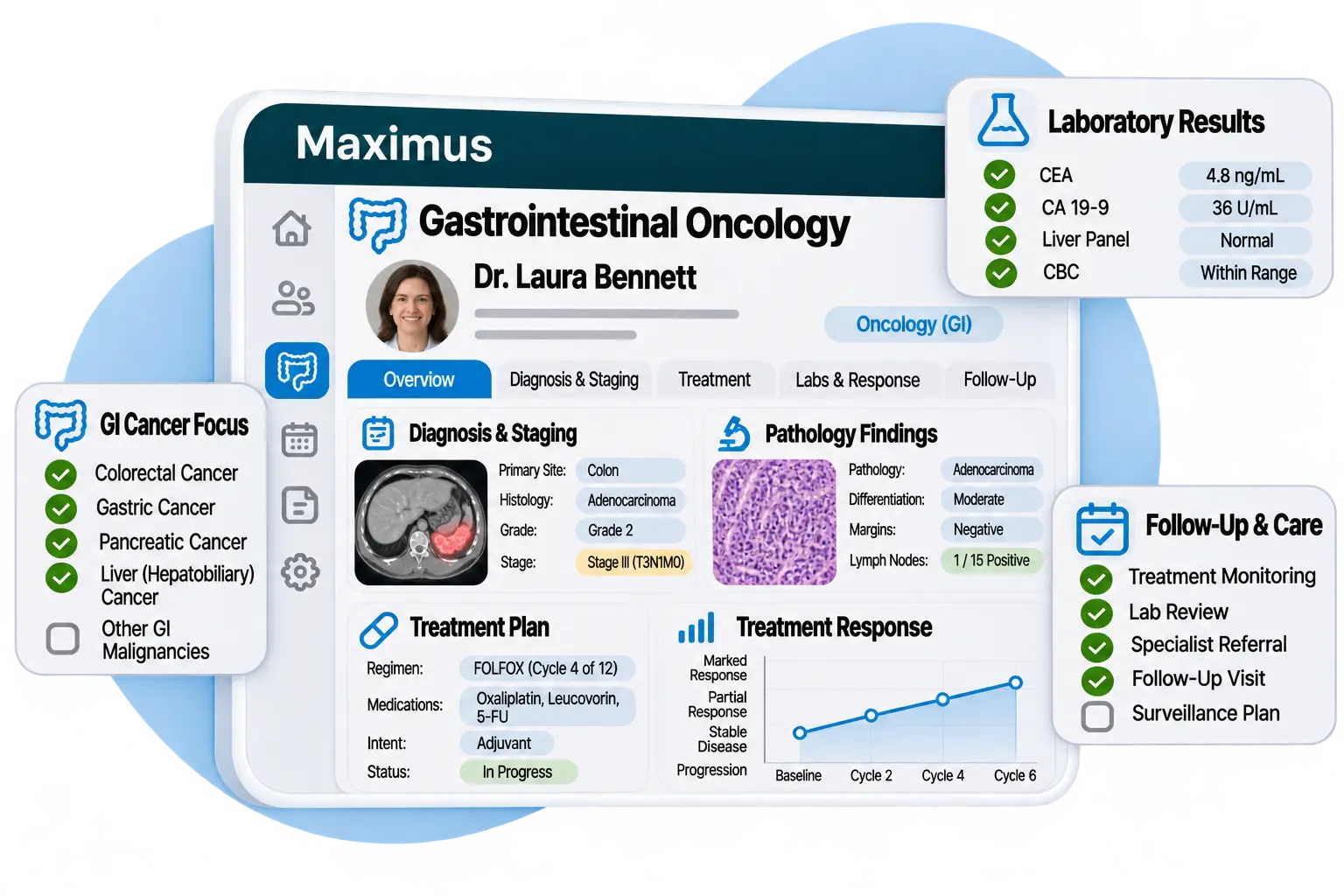
Build structured templates for cancer histories, diagnosis details, staging, and treatment assessments. Reuse standard fields while allowing physicians to capture patient-specific findings.
Maintain cancer staging documentation alongside pathology reports, tumor assessments, and relevant diagnostic findings to support consistent clinical review.
Organize chemotherapy documentation, including treatment history, regimen details, medication records, and clinical notes, within the patient's longitudinal record.
Maintain infusion therapy documentation with administration details, treatment dates, relevant observations, and follow-up instructions for easier review across visits.
Document oncology medication management with prescribed therapies, dosage details, medication changes, and treatment plans to keep patient histories organized.
Oncology billing connects documented consultations, procedures, and treatment services to the revenue cycle, with claim checks, denial tracking, and payment workflows in one workspace.
We configure templates, visit types, and clinical workflows around your oncology team's requirements and migrate your existing patient records.
Capture cancer histories, staging findings, and treatment details using structured templates and AI-assisted notes. Record medications, laboratory results, and clinical updates without unnecessary navigation.
Route relevant findings, manage treatment schedules, and arrange follow-up visits. Claims are built from documented services, connecting clinical and administrative work.
Dashboards help track patient volume, claim performance, denials, and operational activity, allowing your team to identify delays and improve efficiency.
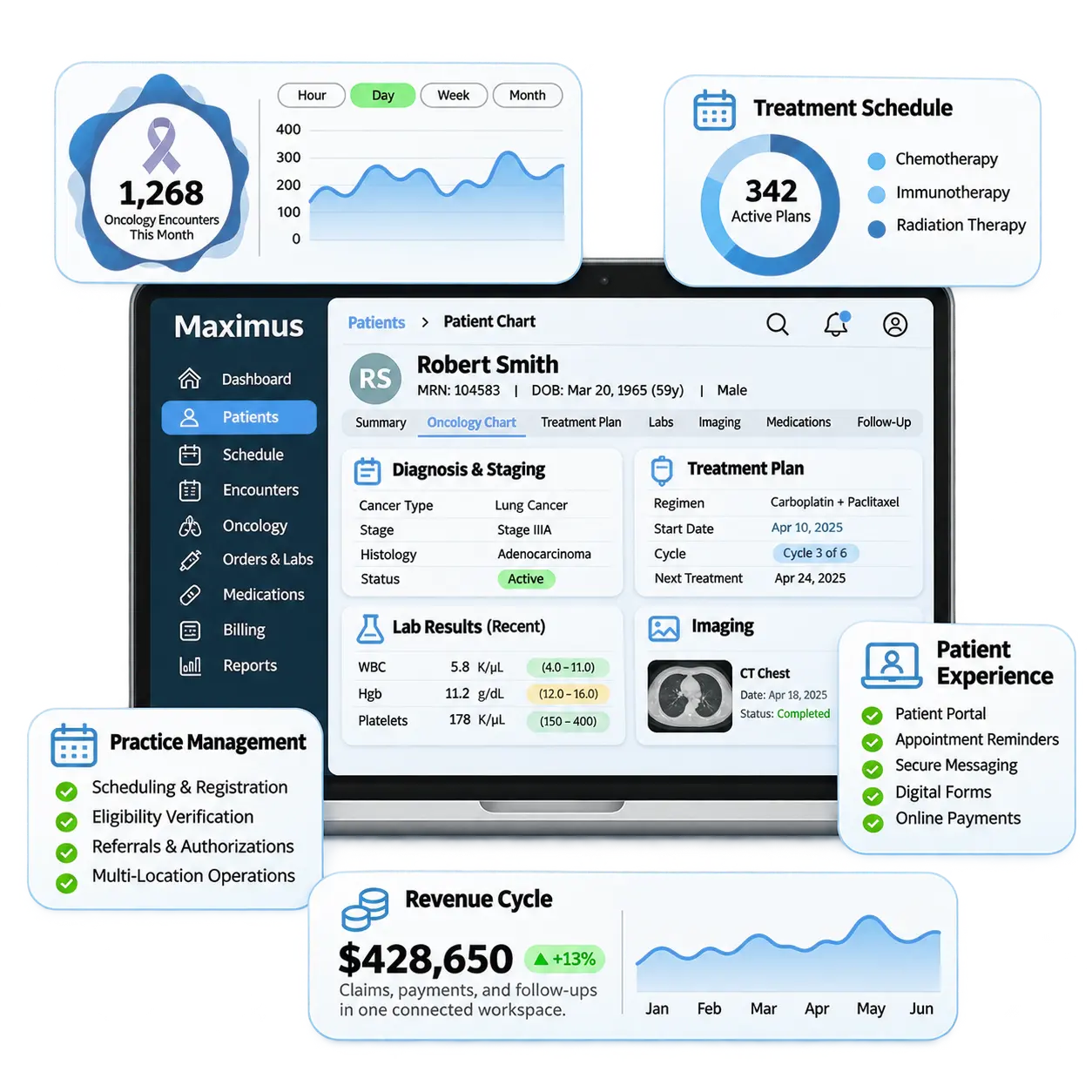
Yes. Your team can maintain chemotherapy documentation, including treatment histories, medication details, regimen information, and relevant clinical notes within the patient’s record.