Order
Select the required laboratory test within the clinical workflow and associate the order with the appropriate patient encounter.
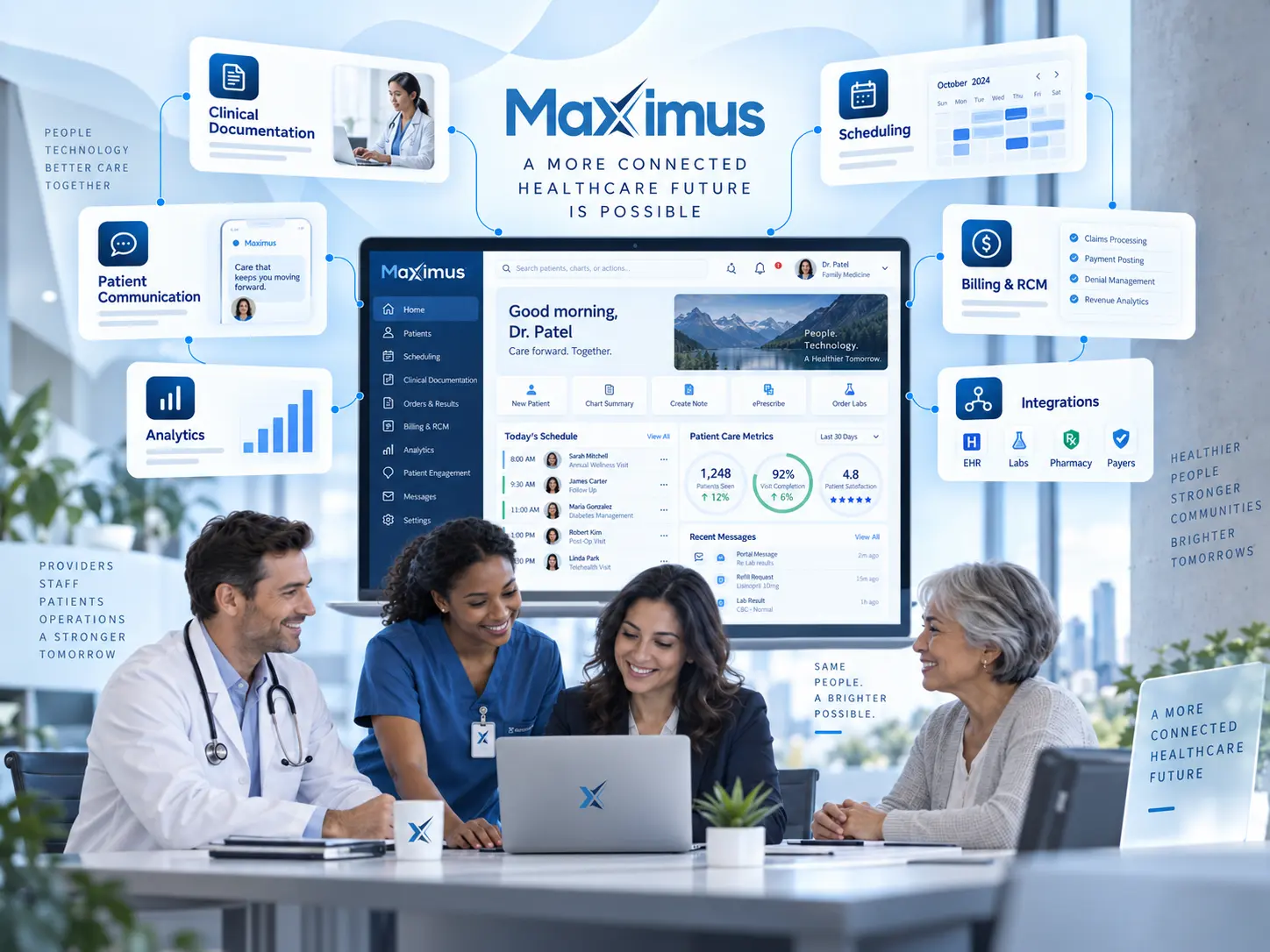
Manage patient records, clinical data, and care workflows in one connected system.
Simplify daily operations from scheduling to front-office workflows.
Keep patients connected with convenient digital communication and access.
Deliver secure virtual care directly through the Maximus platform.
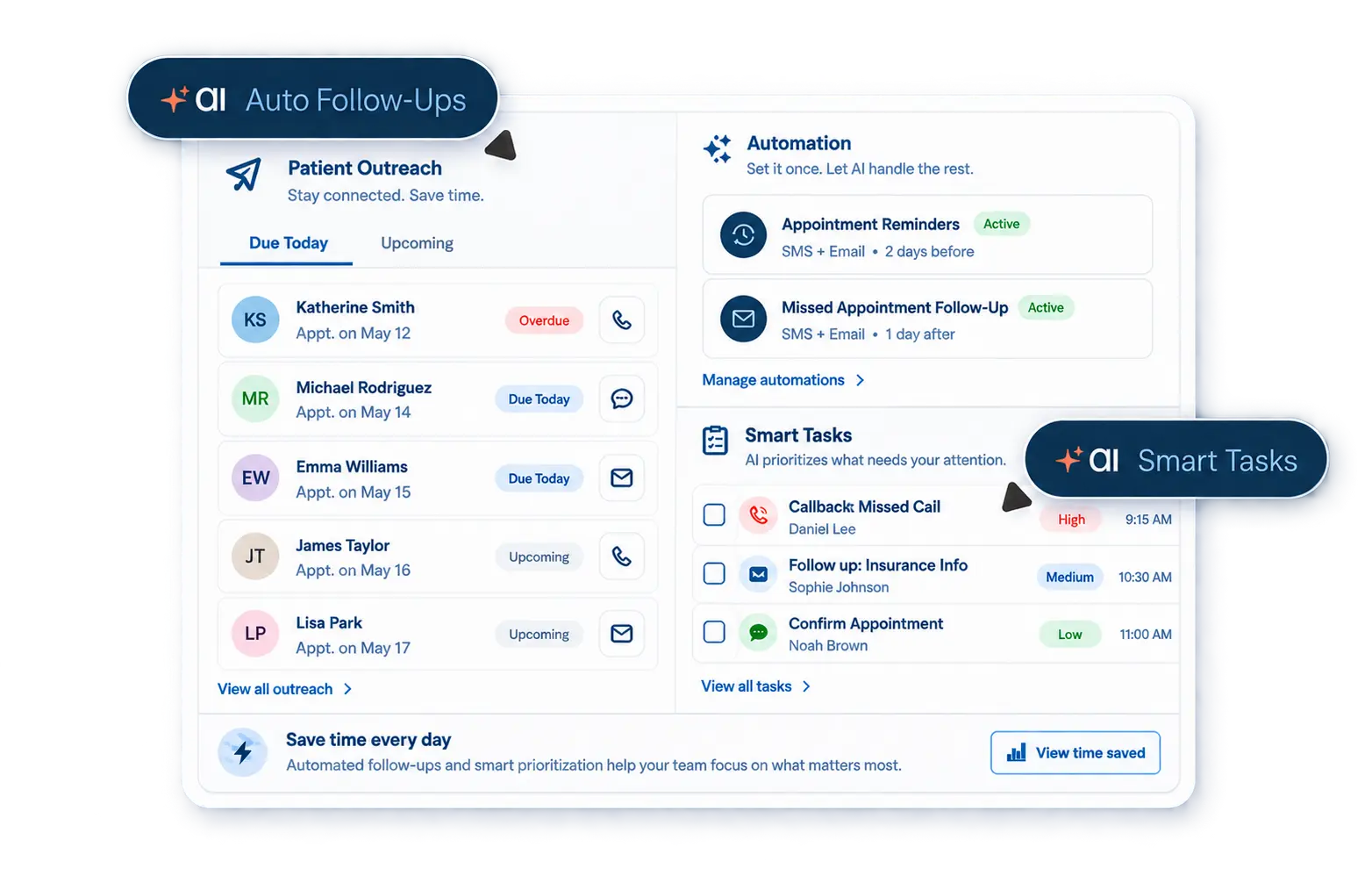
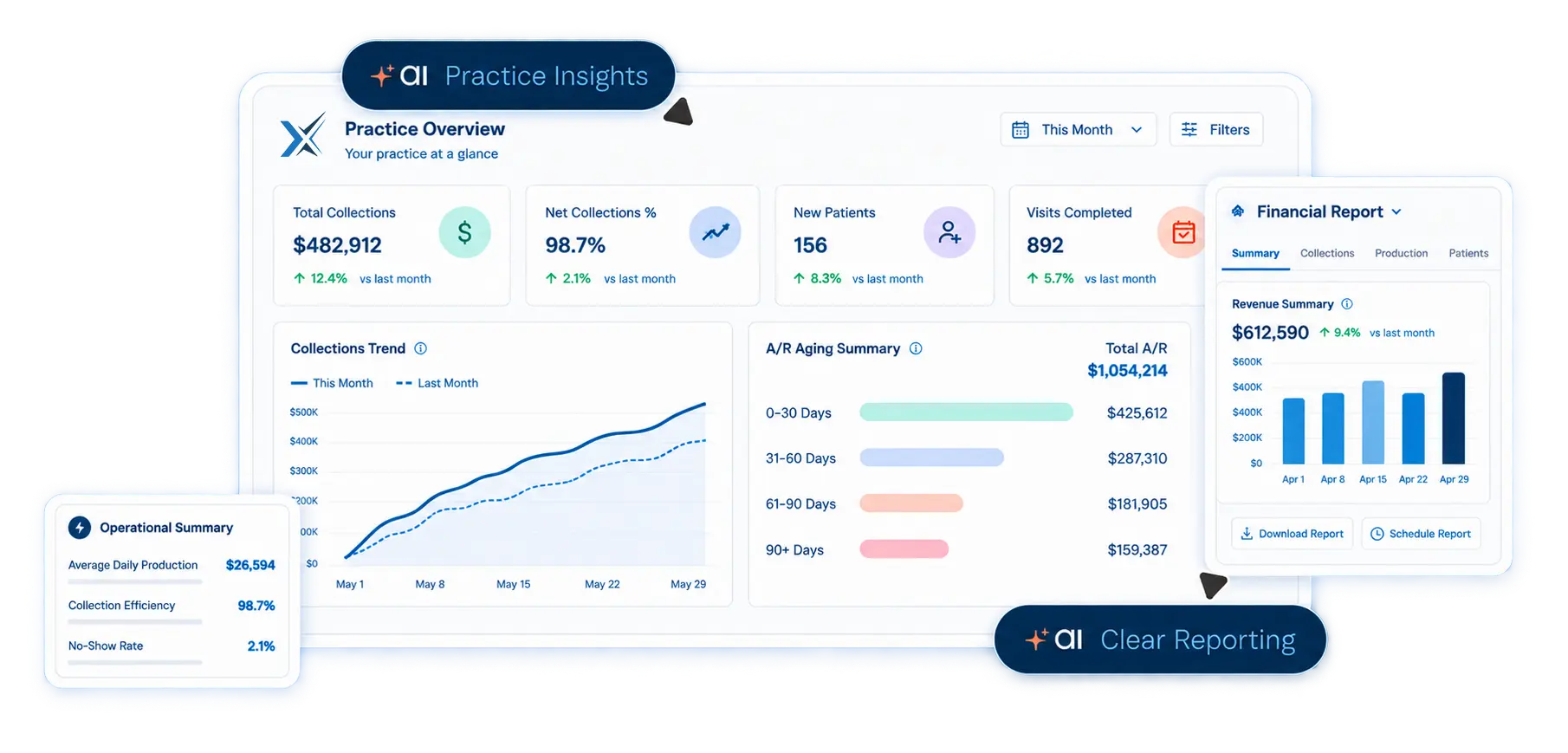
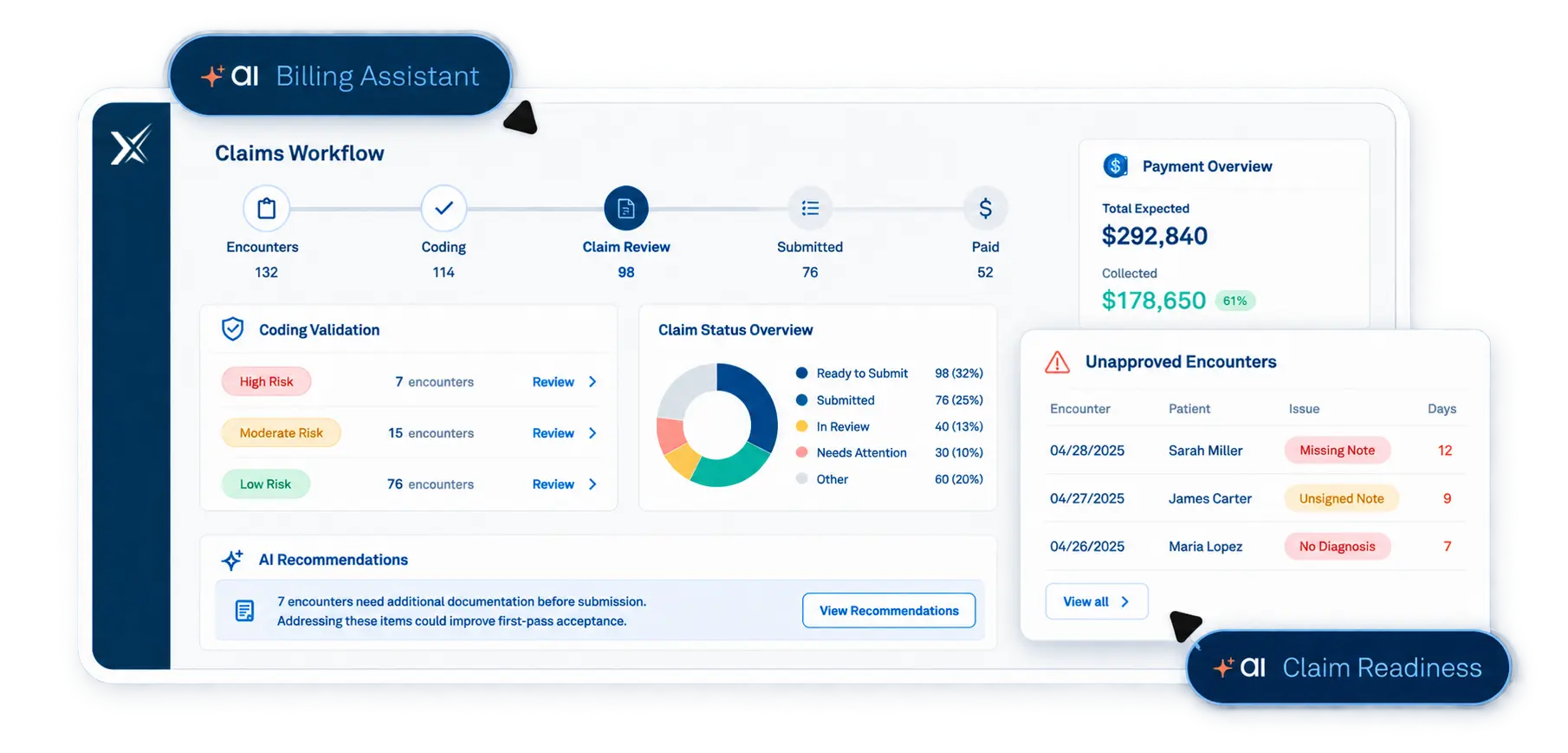
Use intelligent automation to streamline clinical and administrative work.
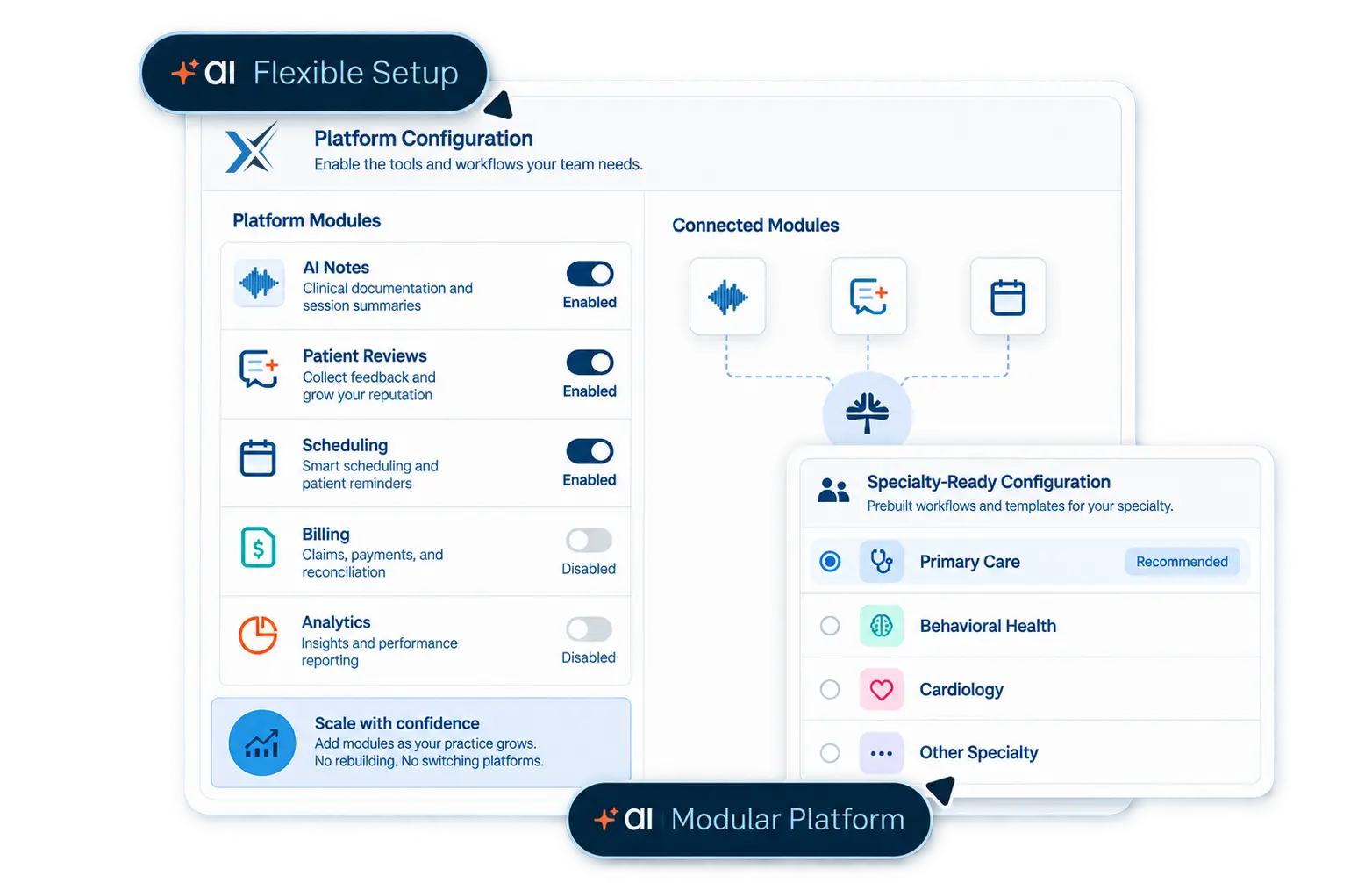
Connect Maximus with the tools and systems your practice already uses.
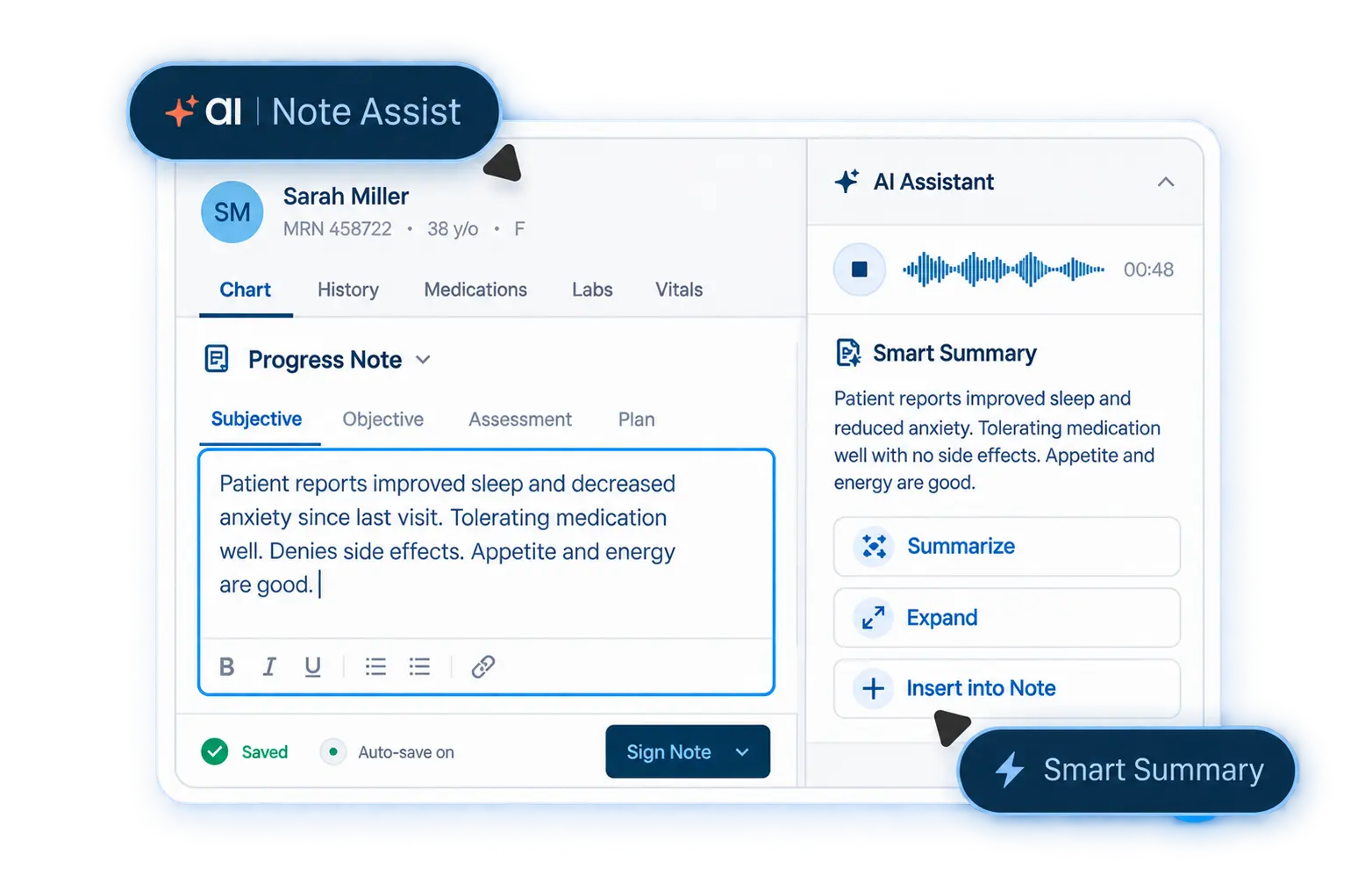
Create accurate clinical notes faster with AI-assisted documentation.
Capture patient conversations and turn them into structured clinical notes.
Send prescriptions electronically with a faster, safer provider workflow.
Standardize documentation with flexible templates built around your workflow.
Manage lab orders, results, and clinical follow-up from one place.
Track referrals efficiently from request through completion and follow-up.
Make booking and schedule management easier for staff and patients.
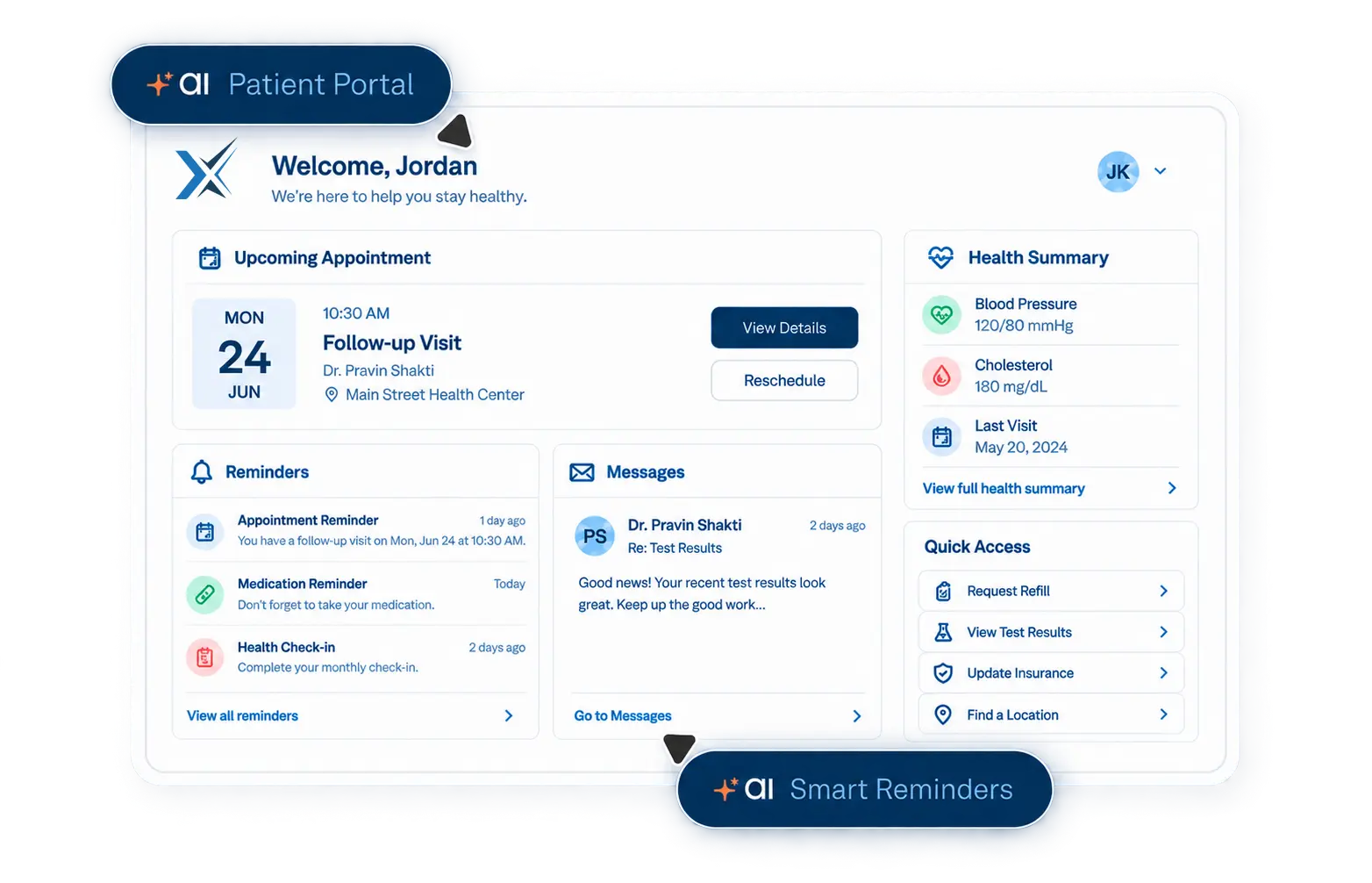
Give patients secure access to appointments, records, and communication.
Collect patient information digitally before the visit begins.
Communicate securely with patients without relying on disconnected tools.
Reduce missed visits with automated patient appointment notifications.
Send and receive healthcare documents securely without traditional fax workflows.
Simplify daily operations from scheduling to front-office workflows.
Keep patients connected with convenient digital communication and access.
Deliver secure virtual care directly through the Maximus platform.
Use intelligent automation to streamline clinical and administrative work.
Connect Maximus with the tools and systems your practice already uses.
Create accurate clinical notes faster with AI-assisted documentation.
Capture patient conversations and turn them into structured clinical notes.
Send prescriptions electronically with a faster, safer provider workflow.
Standardize documentation with flexible templates built around your workflow.
Manage lab orders, results, and clinical follow-up from one place.
Stay ahead with healthcare insights, EHR updates, practice growth tips, and exclusive Maximus news—all in one quick email.
Manage patient records, clinical data, and care workflows in one connected system.
Simplify daily operations from scheduling to front-office workflows.
Keep patients connected with convenient digital communication and access.
Deliver secure virtual care directly through the Maximus platform.
Use intelligent automation to streamline clinical and administrative work.
Connect Maximus with the tools and systems your practice already uses.
Create accurate clinical notes faster with AI-assisted documentation.
Capture patient conversations and turn them into structured clinical notes.
Send prescriptions electronically with a faster, safer provider workflow.
Standardize documentation with flexible templates built around your workflow.
Manage lab orders, results, and clinical follow-up from one place.
Track referrals efficiently from request through completion and follow-up.
Make booking and schedule management easier for staff and patients.
Give patients secure access to appointments, records, and communication.
Collect patient information digitally before the visit begins.
Communicate securely with patients without relying on disconnected tools.
Reduce missed visits with automated patient appointment notifications.
Send and receive healthcare documents securely without traditional fax workflows.
Simplify daily operations from scheduling to front-office workflows.
Keep patients connected with convenient digital communication and access.
Deliver secure virtual care directly through the Maximus platform.
Use intelligent automation to streamline clinical and administrative work.
Connect Maximus with the tools and systems your practice already uses.
Create accurate clinical notes faster with AI-assisted documentation.
Capture patient conversations and turn them into structured clinical notes.
Send prescriptions electronically with a faster, safer provider workflow.
Standardize documentation with flexible templates built around your workflow.
Manage lab orders, results, and clinical follow-up from one place.

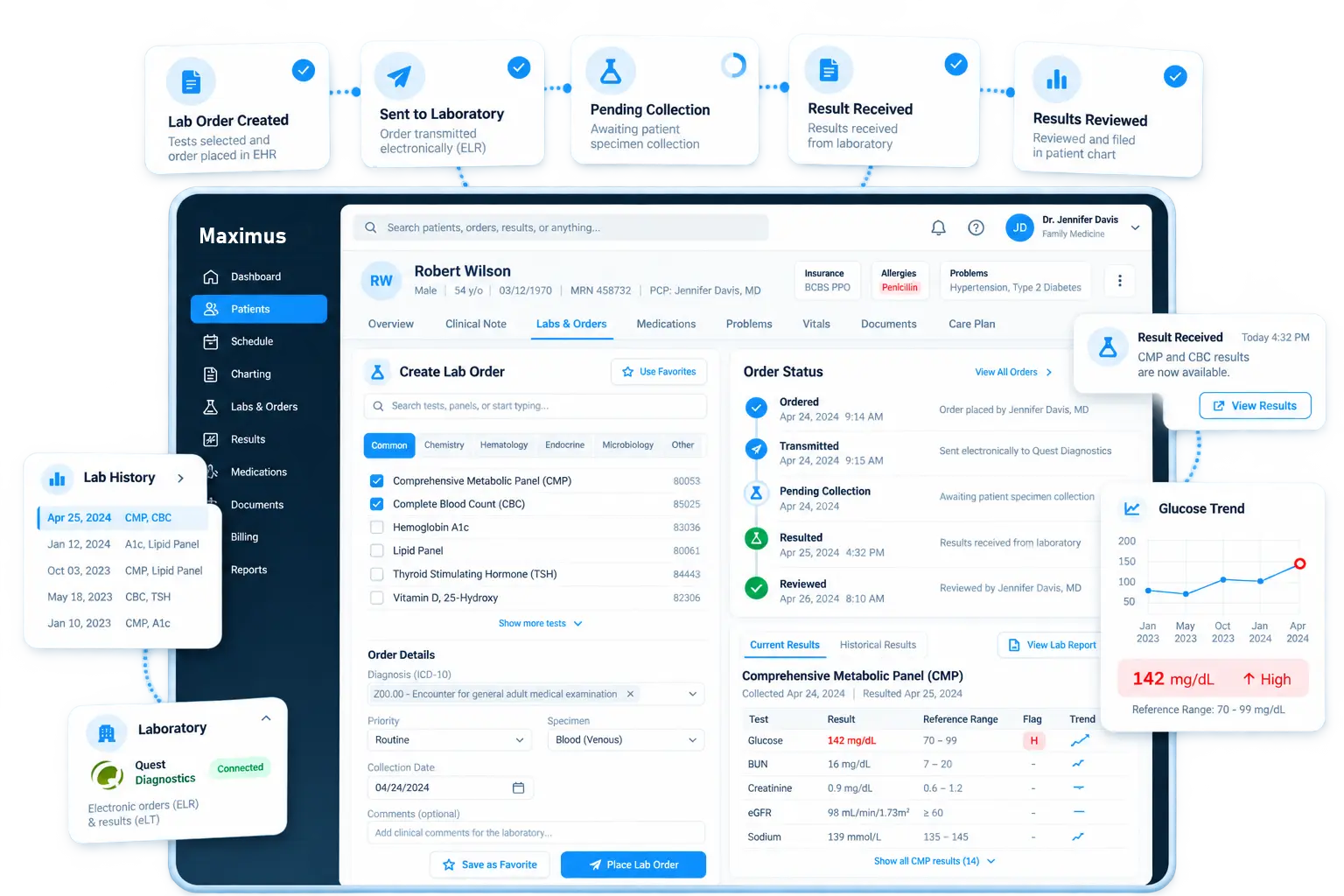
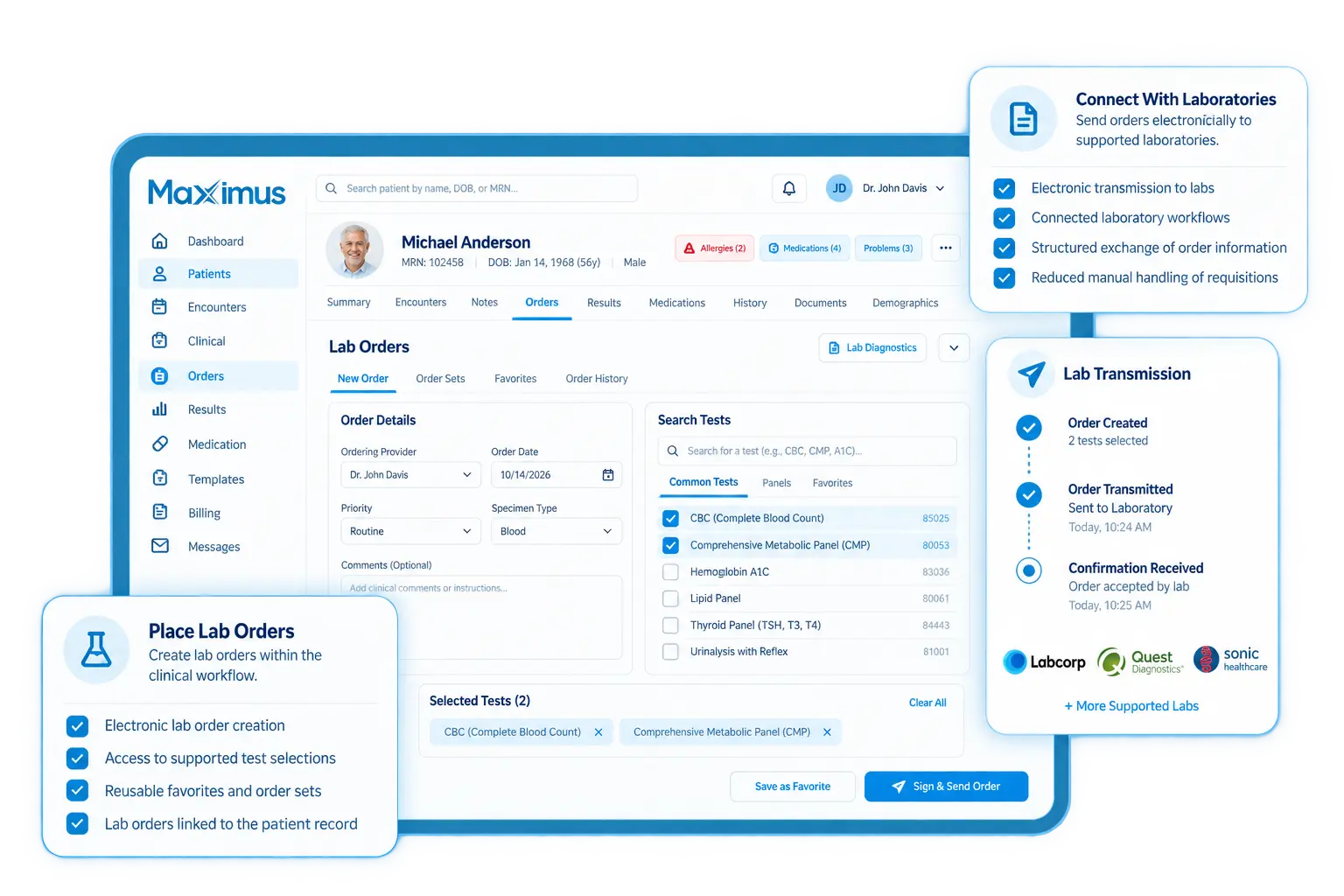

Select the required laboratory test within the clinical workflow and associate the order with the appropriate patient encounter.
Send the order electronically through a supported laboratory connection, reducing manual handling where electronic transmission is available.
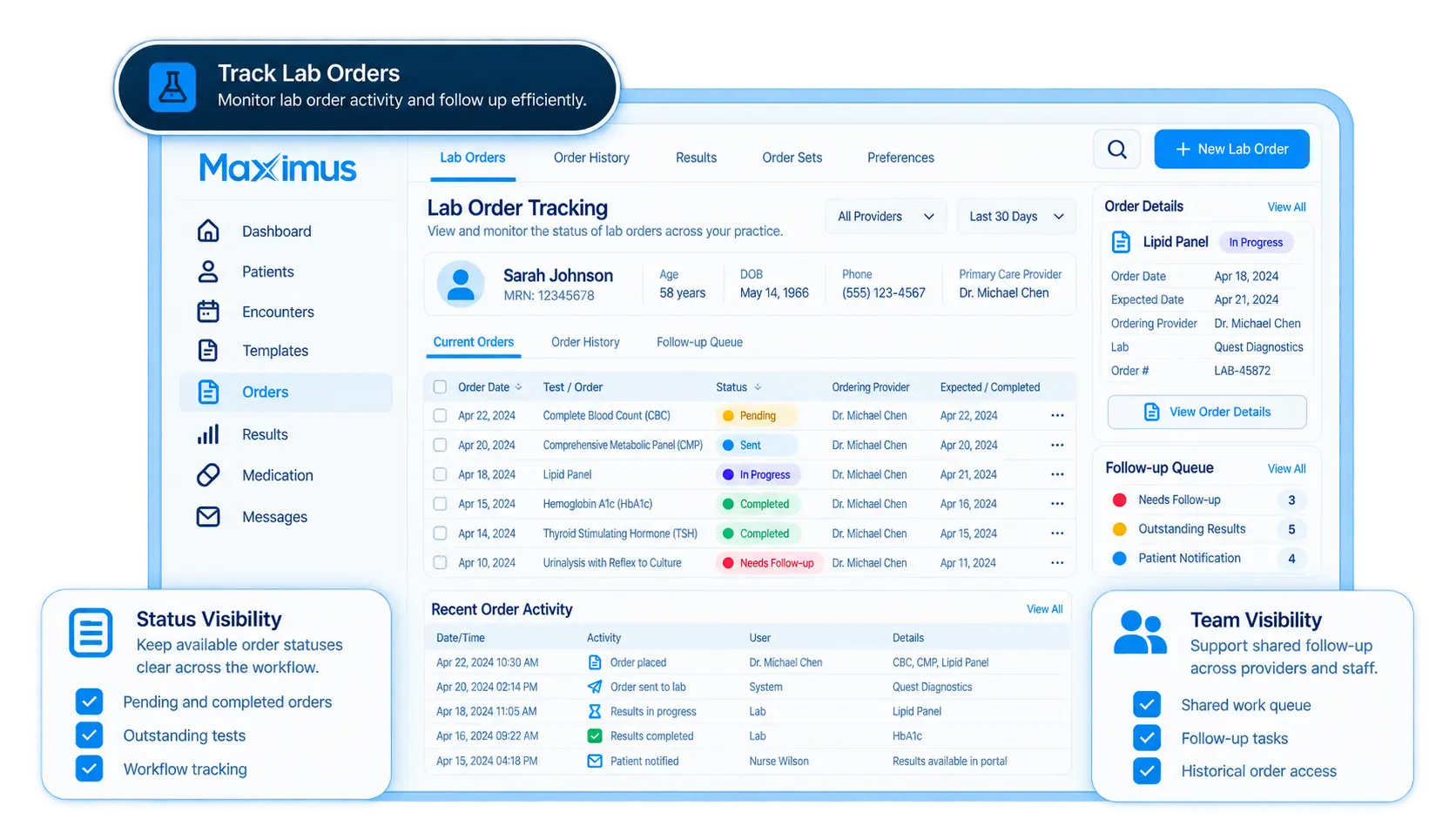
Monitor available order information and identify tests that remain outstanding, following your practice's established tracking and follow-up procedures.
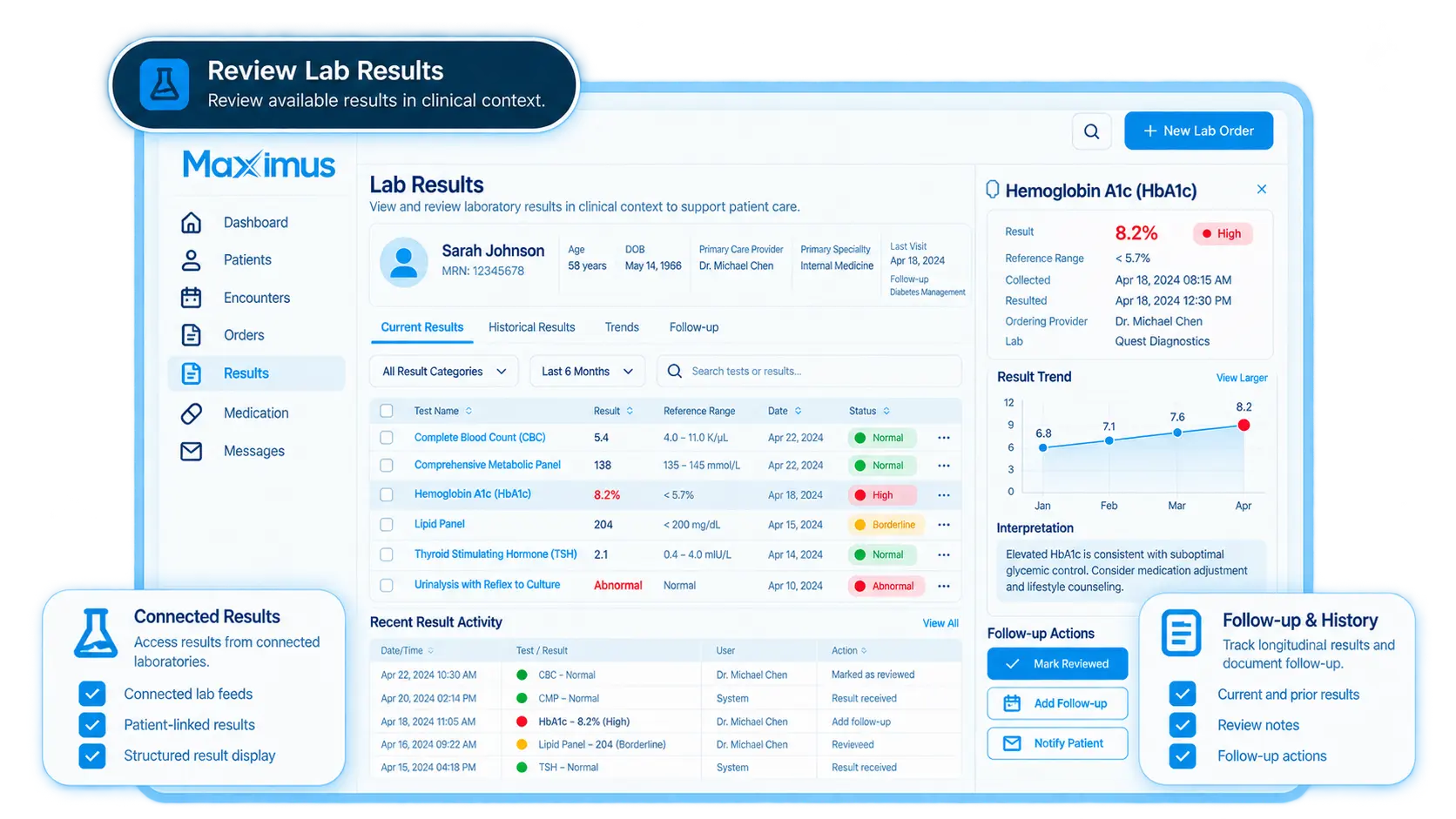
Access returned results through the supported workflow, review the findings in clinical context, and document any necessary follow-up.
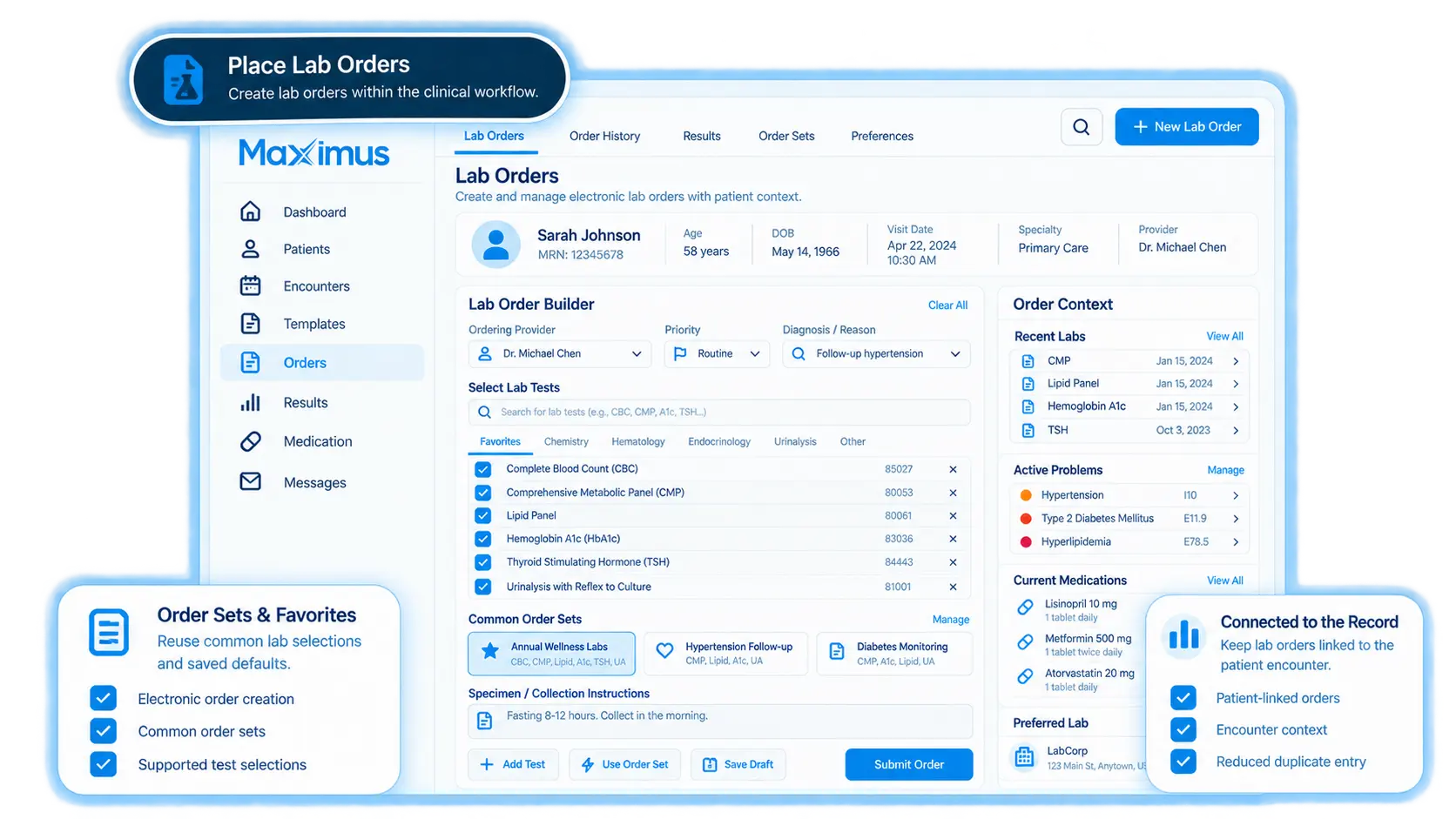
Create lab orders within the clinical workflow, helping keep test requests associated with the relevant patient and encounter.
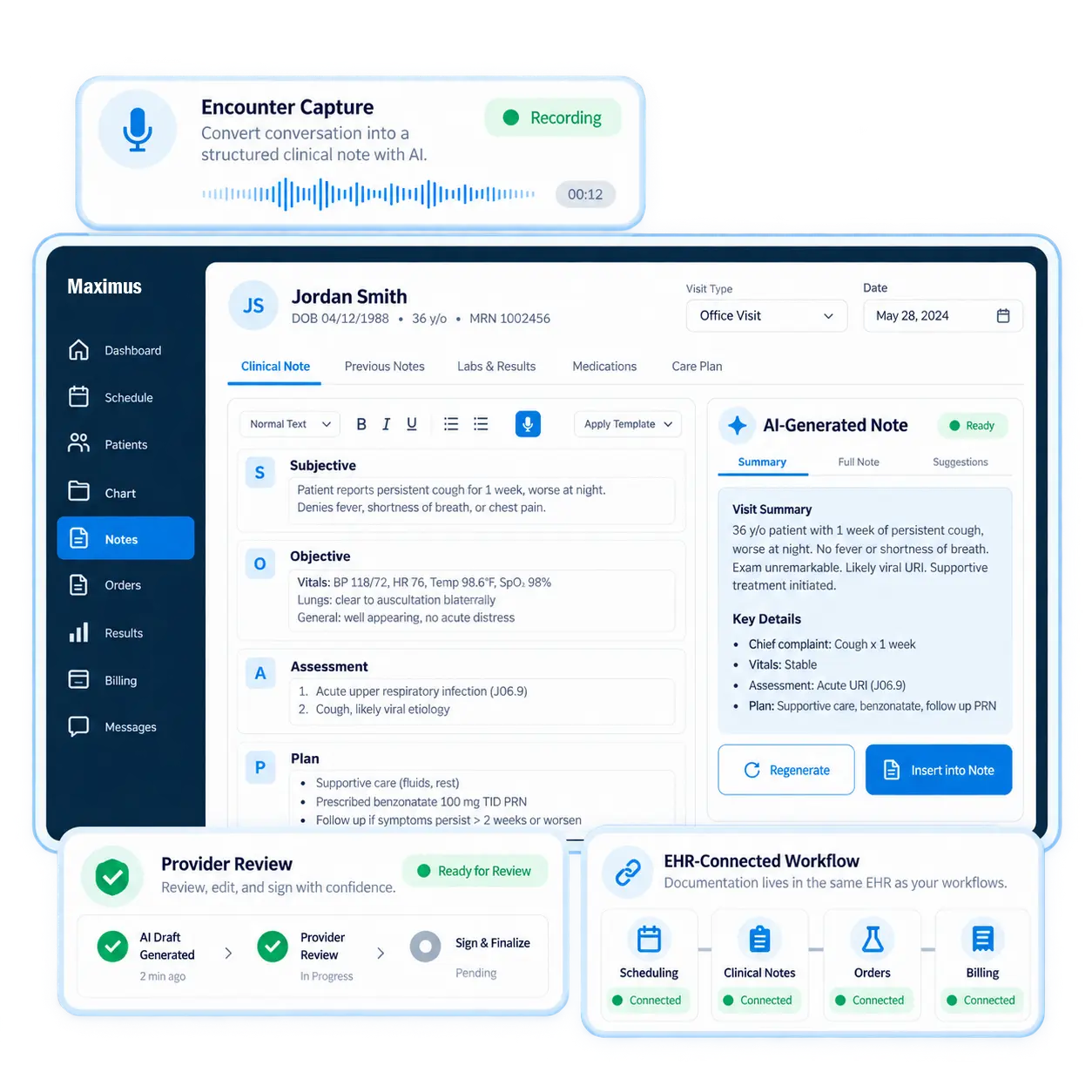
Access available patient history and clinical documentation when ordering tests and reviewing returned results.
Use available order information to identify pending items and support appropriate follow-up by the clinical team.
Maintain an organized view of lab orders, results, and associated documentation within the EHR environment.