Prepare
Start with the patient record and the appropriate clinical template. Use available patient information to establish the context for the encounter.
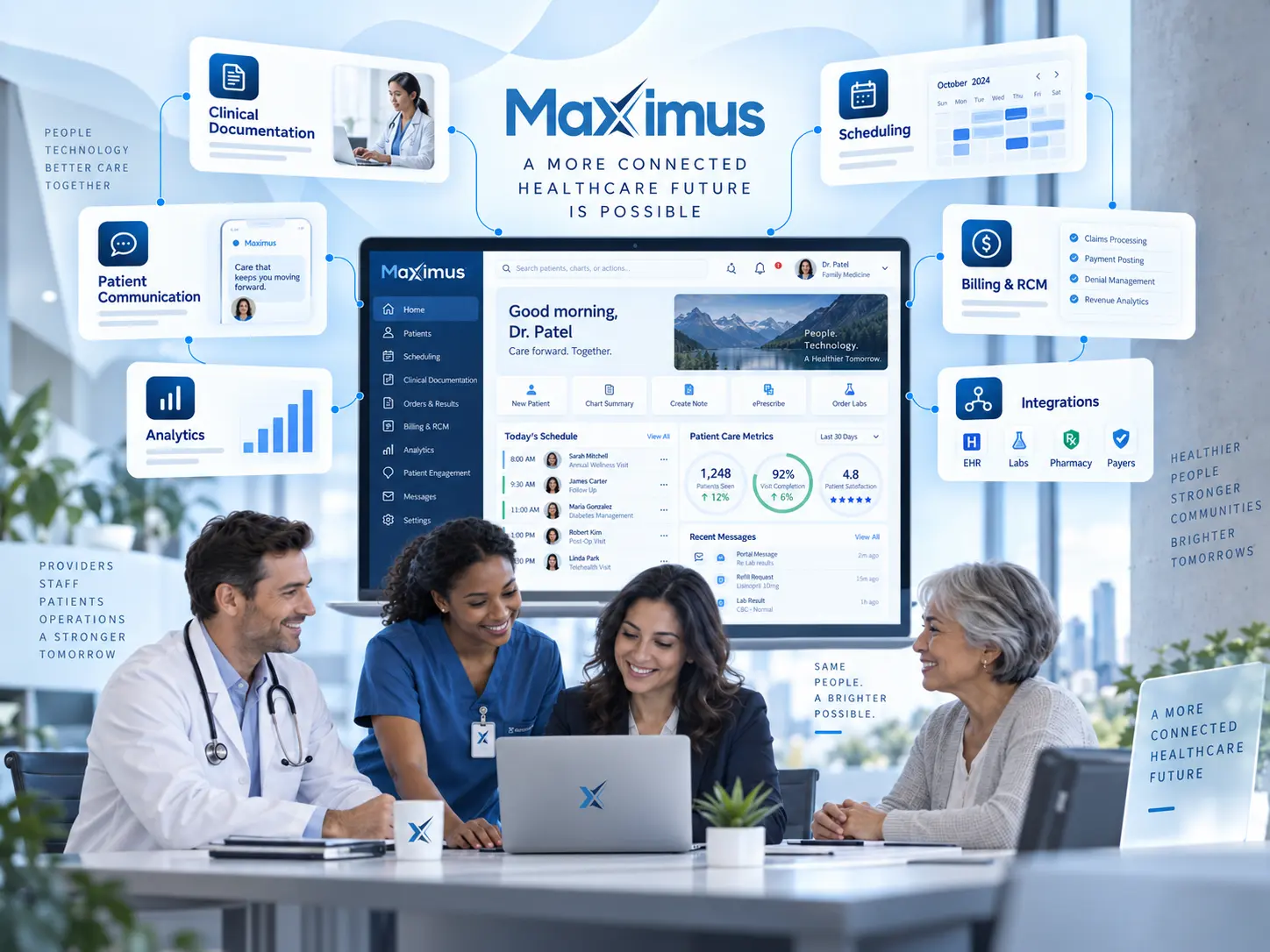
Manage patient records, clinical data, and care workflows in one connected system.
Simplify daily operations from scheduling to front-office workflows.
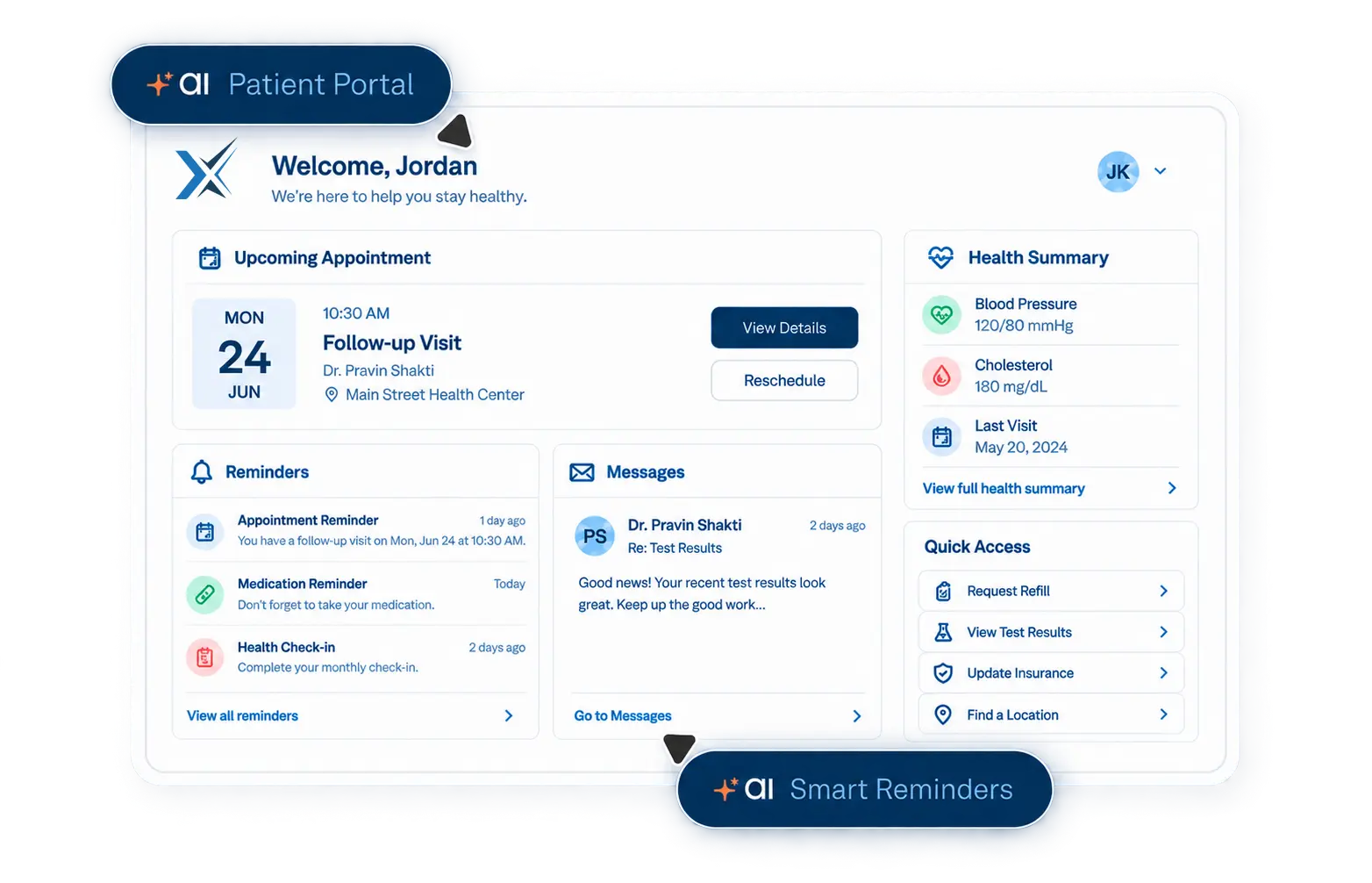
Keep patients connected with convenient digital communication and access.
Deliver secure virtual care directly through the Maximus platform.
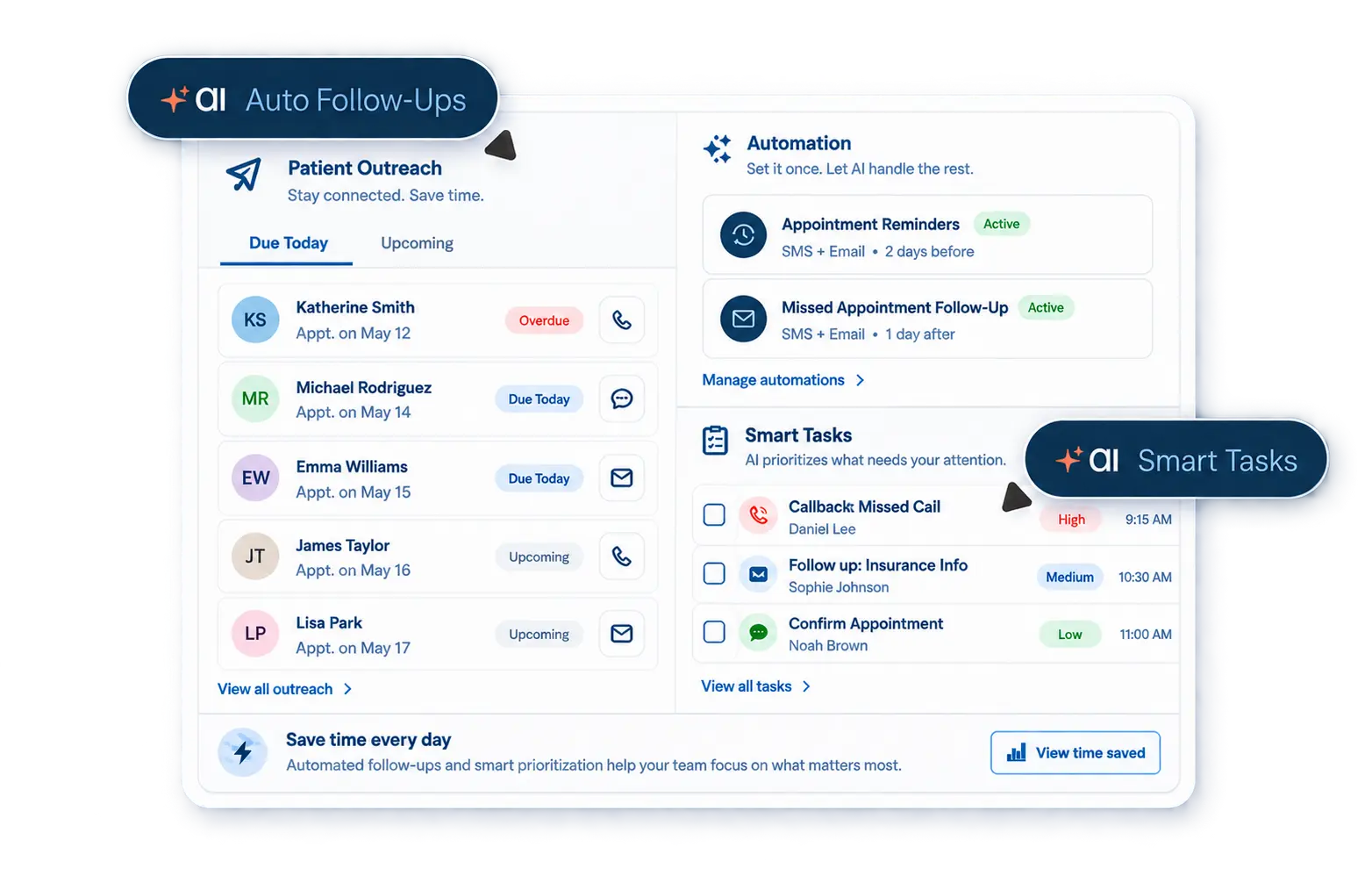
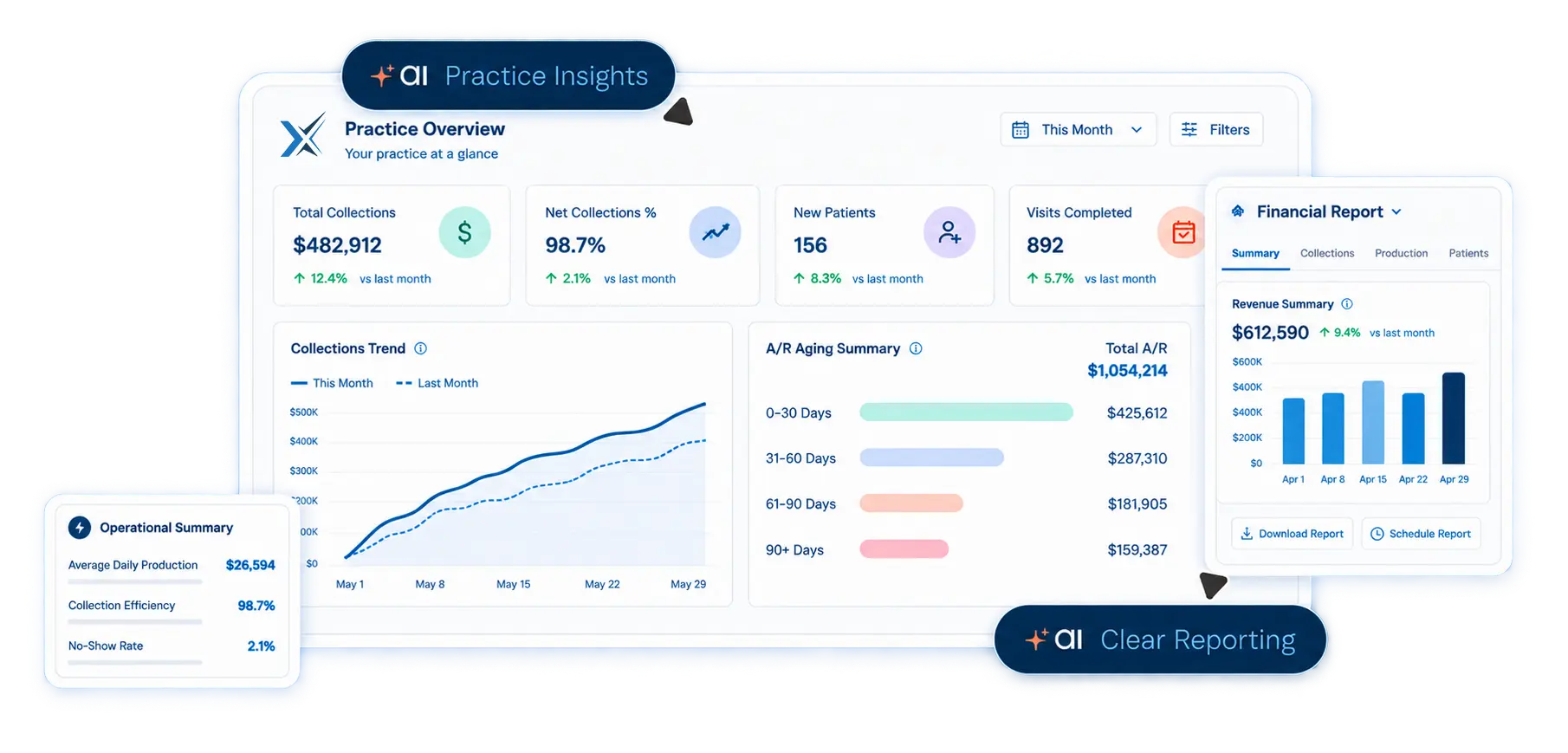
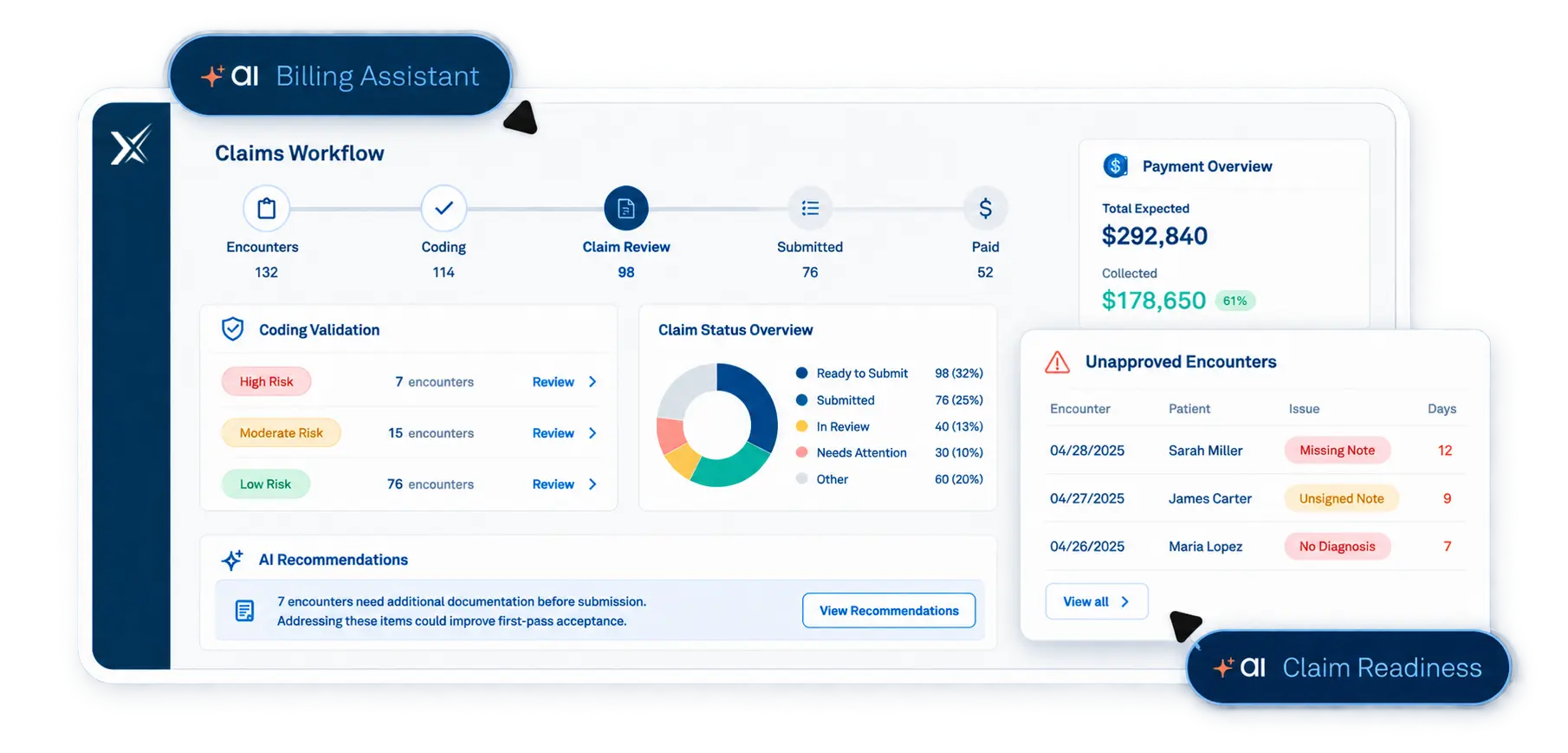
Use intelligent automation to streamline clinical and administrative work.
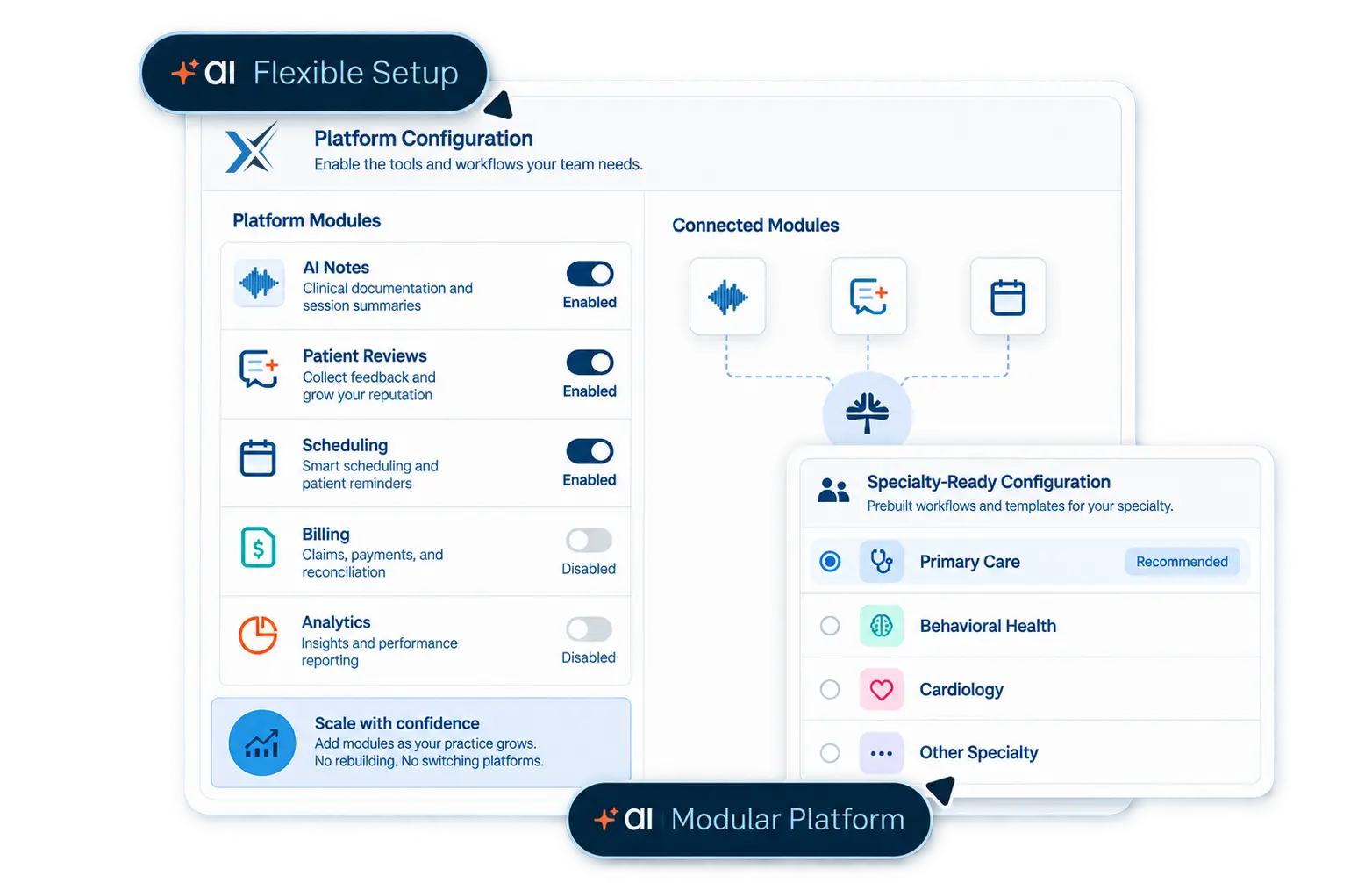
Connect Maximus with the tools and systems your practice already uses.
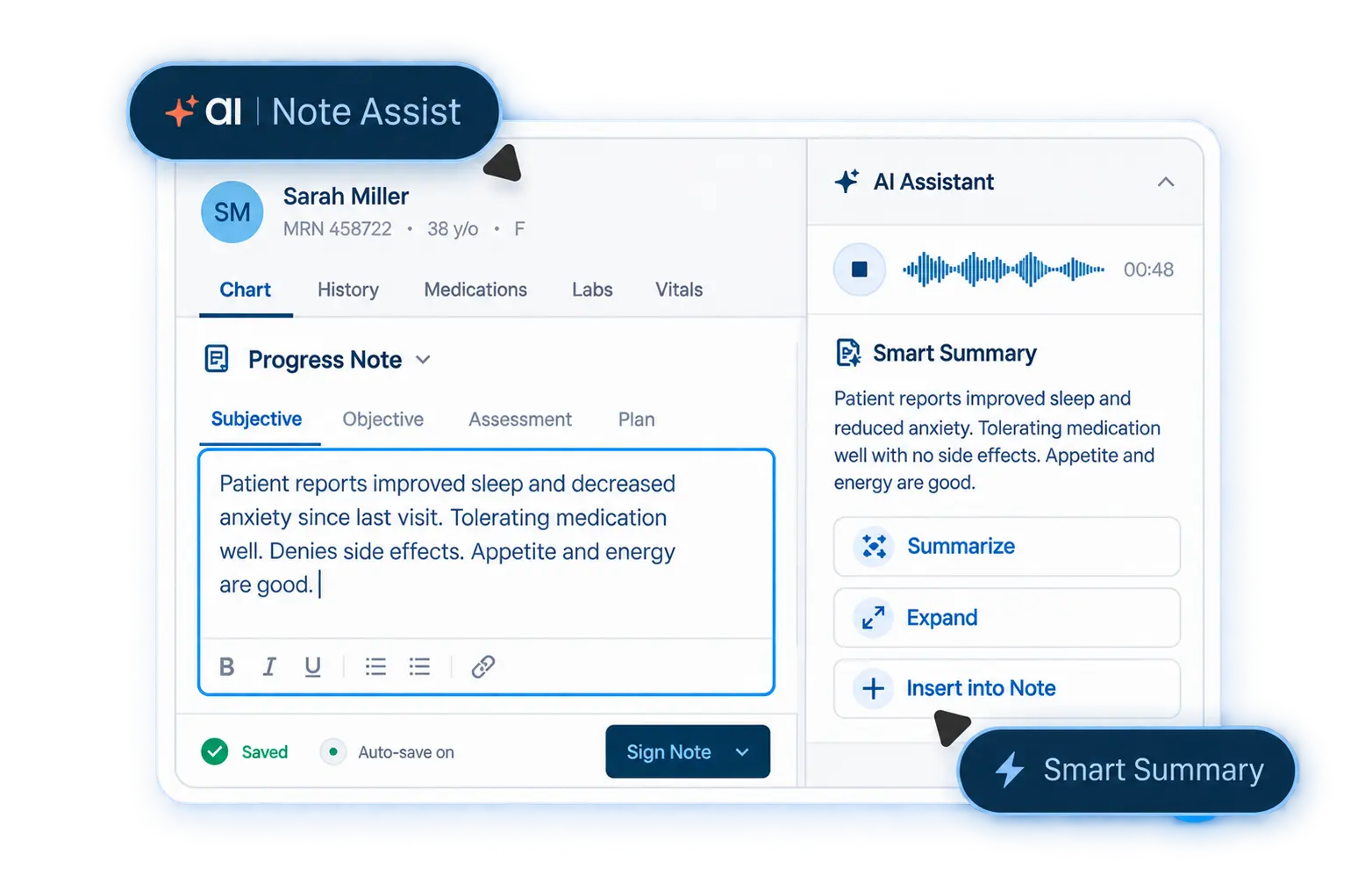
Create accurate clinical notes faster with AI-assisted documentation.
Capture patient conversations and turn them into structured clinical notes.
Send prescriptions electronically with a faster, safer provider workflow.
Standardize documentation with flexible templates built around your workflow.
Manage lab orders, results, and clinical follow-up from one place.
Track referrals efficiently from request through completion and follow-up.
Make booking and schedule management easier for staff and patients.
Give patients secure access to appointments, records, and communication.
Collect patient information digitally before the visit begins.
Communicate securely with patients without relying on disconnected tools.
Reduce missed visits with automated patient appointment notifications.
Send and receive healthcare documents securely without traditional fax workflows.
Simplify daily operations from scheduling to front-office workflows.
Keep patients connected with convenient digital communication and access.
Deliver secure virtual care directly through the Maximus platform.
Use intelligent automation to streamline clinical and administrative work.
Connect Maximus with the tools and systems your practice already uses.
Create accurate clinical notes faster with AI-assisted documentation.
Capture patient conversations and turn them into structured clinical notes.
Send prescriptions electronically with a faster, safer provider workflow.
Standardize documentation with flexible templates built around your workflow.
Manage lab orders, results, and clinical follow-up from one place.
Stay ahead with healthcare insights, EHR updates, practice growth tips, and exclusive Maximus news—all in one quick email.
Manage patient records, clinical data, and care workflows in one connected system.
Simplify daily operations from scheduling to front-office workflows.
Keep patients connected with convenient digital communication and access.
Deliver secure virtual care directly through the Maximus platform.
Use intelligent automation to streamline clinical and administrative work.
Connect Maximus with the tools and systems your practice already uses.
Create accurate clinical notes faster with AI-assisted documentation.
Capture patient conversations and turn them into structured clinical notes.
Send prescriptions electronically with a faster, safer provider workflow.
Standardize documentation with flexible templates built around your workflow.
Manage lab orders, results, and clinical follow-up from one place.
Track referrals efficiently from request through completion and follow-up.
Make booking and schedule management easier for staff and patients.
Give patients secure access to appointments, records, and communication.
Collect patient information digitally before the visit begins.
Communicate securely with patients without relying on disconnected tools.
Reduce missed visits with automated patient appointment notifications.
Send and receive healthcare documents securely without traditional fax workflows.
Simplify daily operations from scheduling to front-office workflows.
Keep patients connected with convenient digital communication and access.
Deliver secure virtual care directly through the Maximus platform.
Use intelligent automation to streamline clinical and administrative work.
Connect Maximus with the tools and systems your practice already uses.
Create accurate clinical notes faster with AI-assisted documentation.
Capture patient conversations and turn them into structured clinical notes.
Send prescriptions electronically with a faster, safer provider workflow.
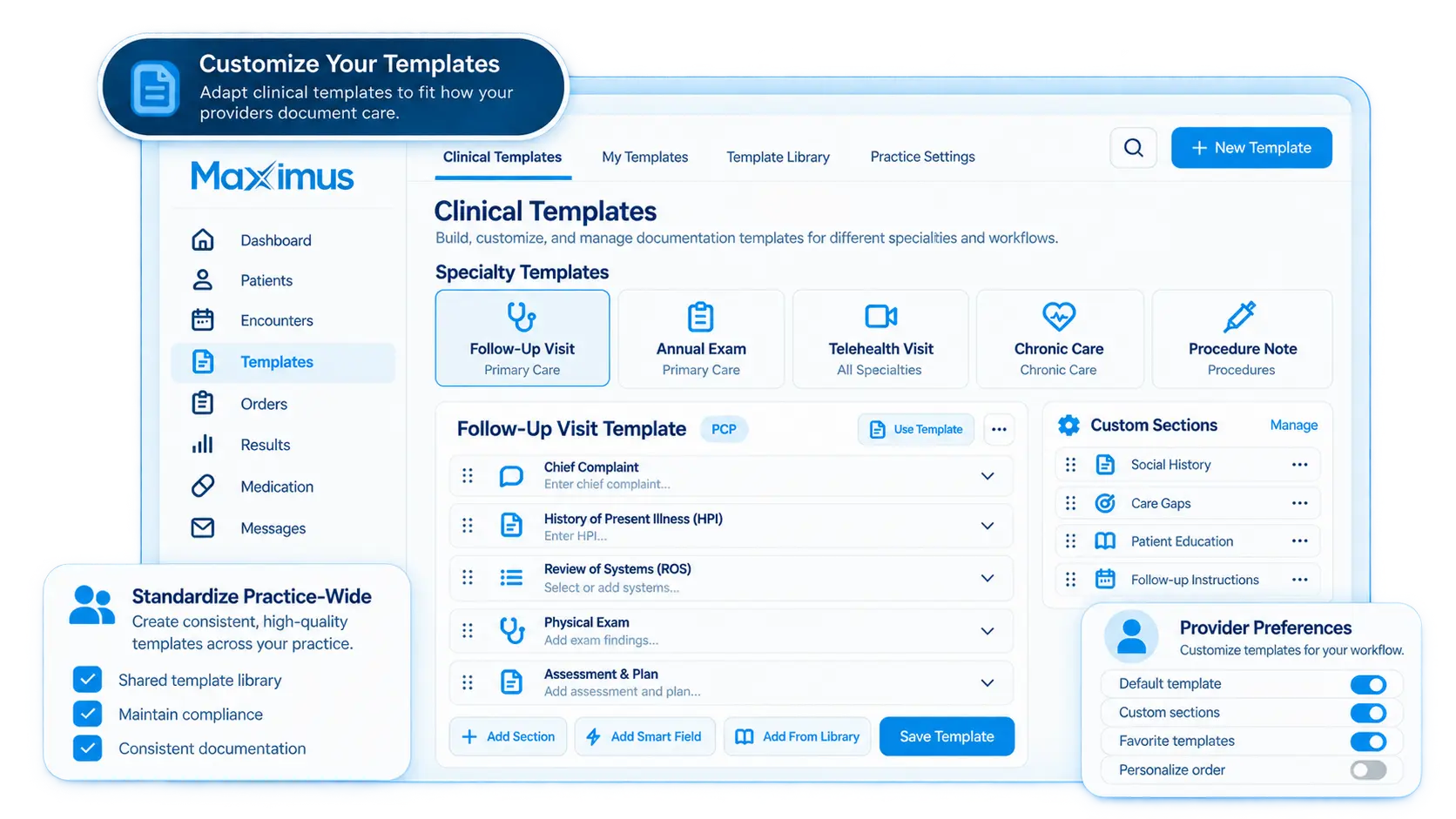
Standardize documentation with flexible templates built around your workflow.
Manage lab orders, results, and clinical follow-up from one place.

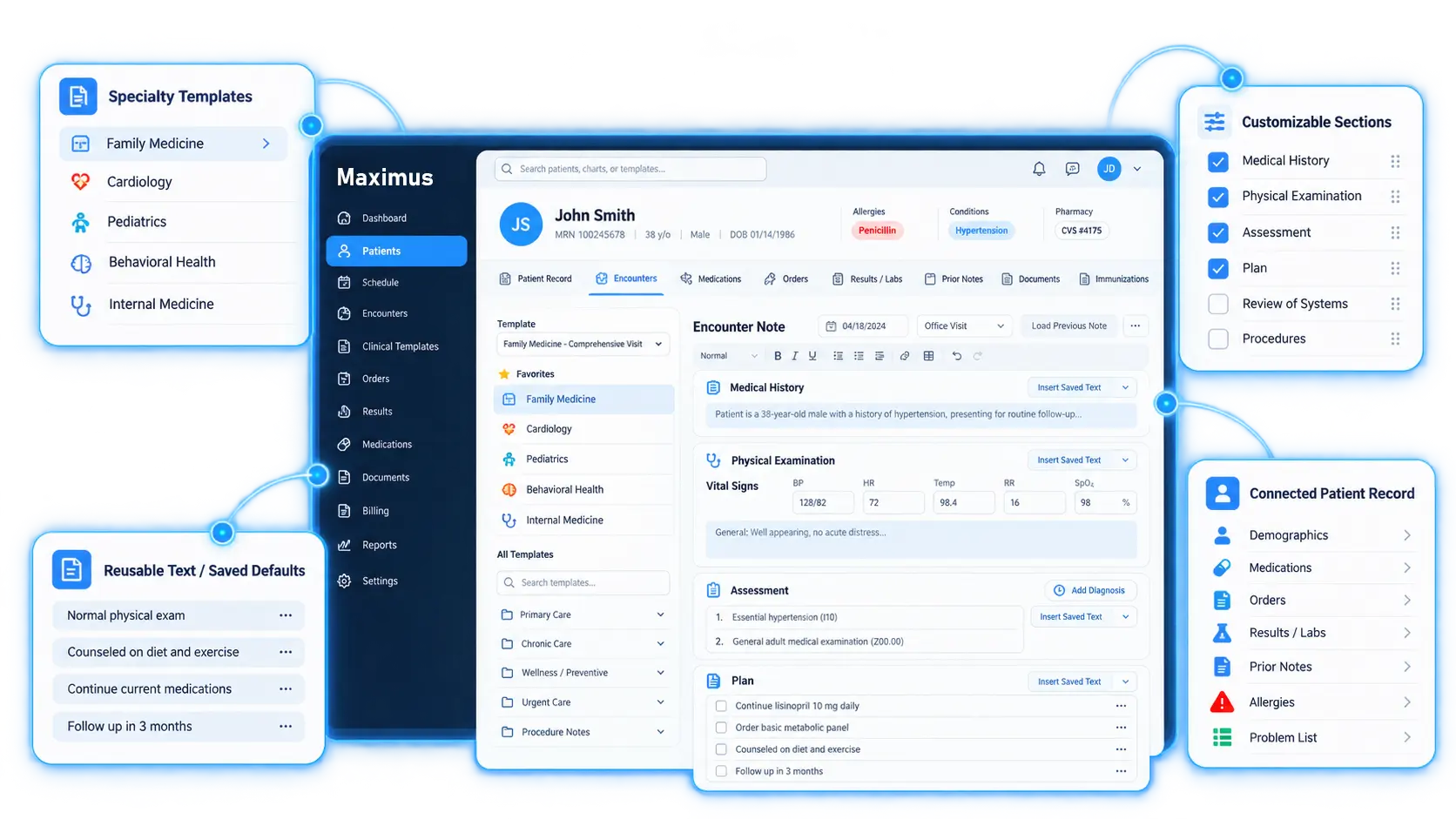
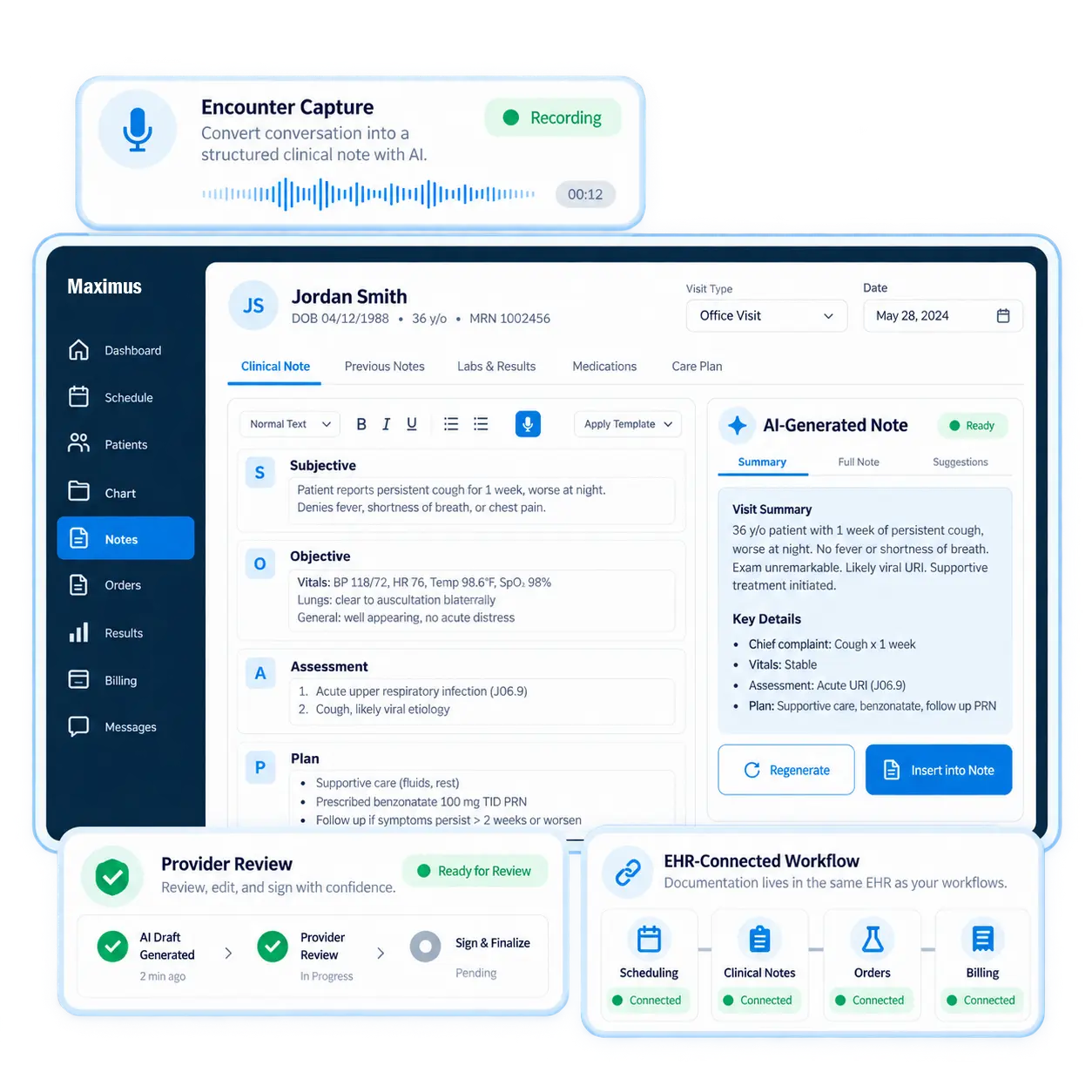
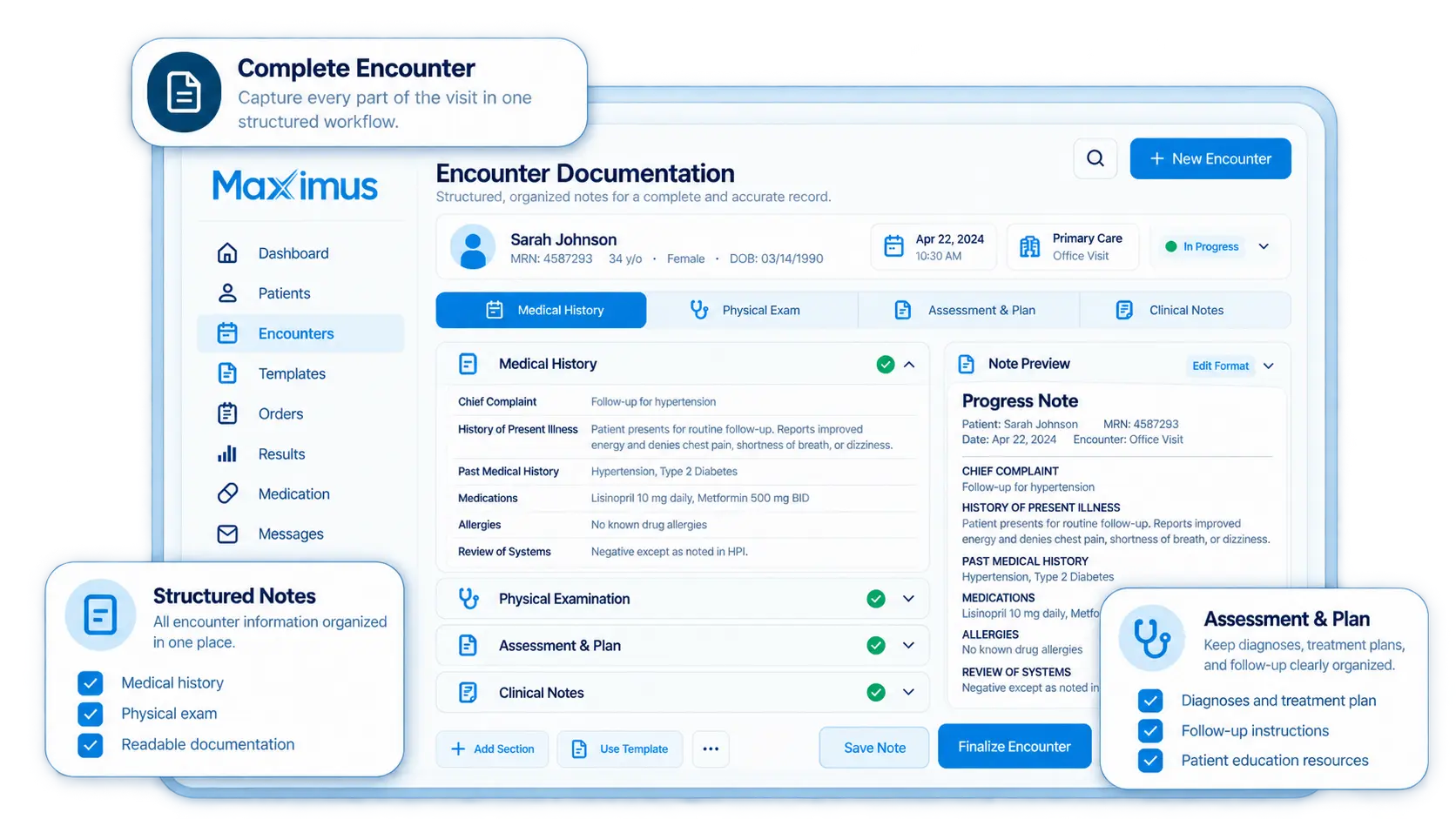
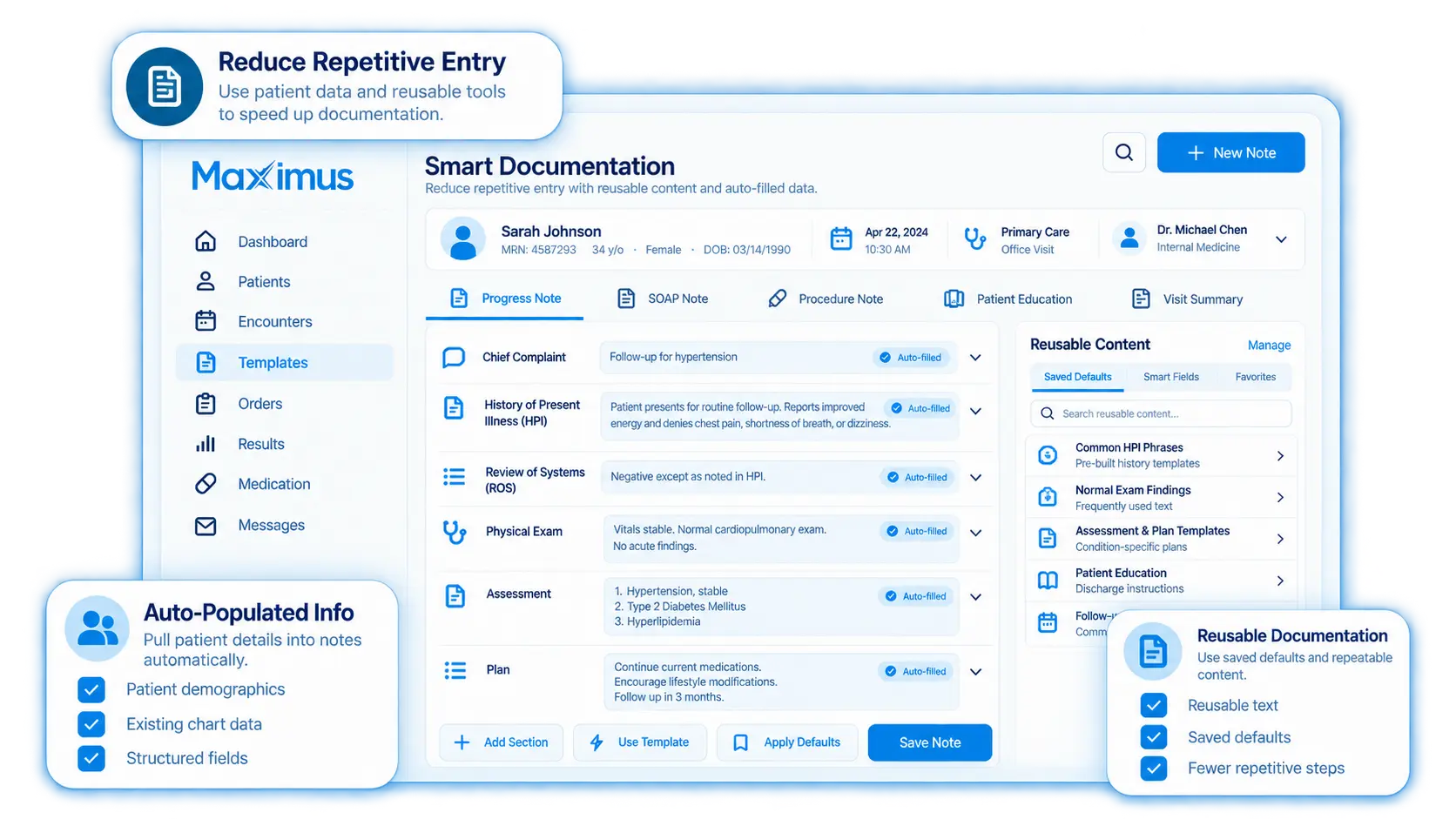
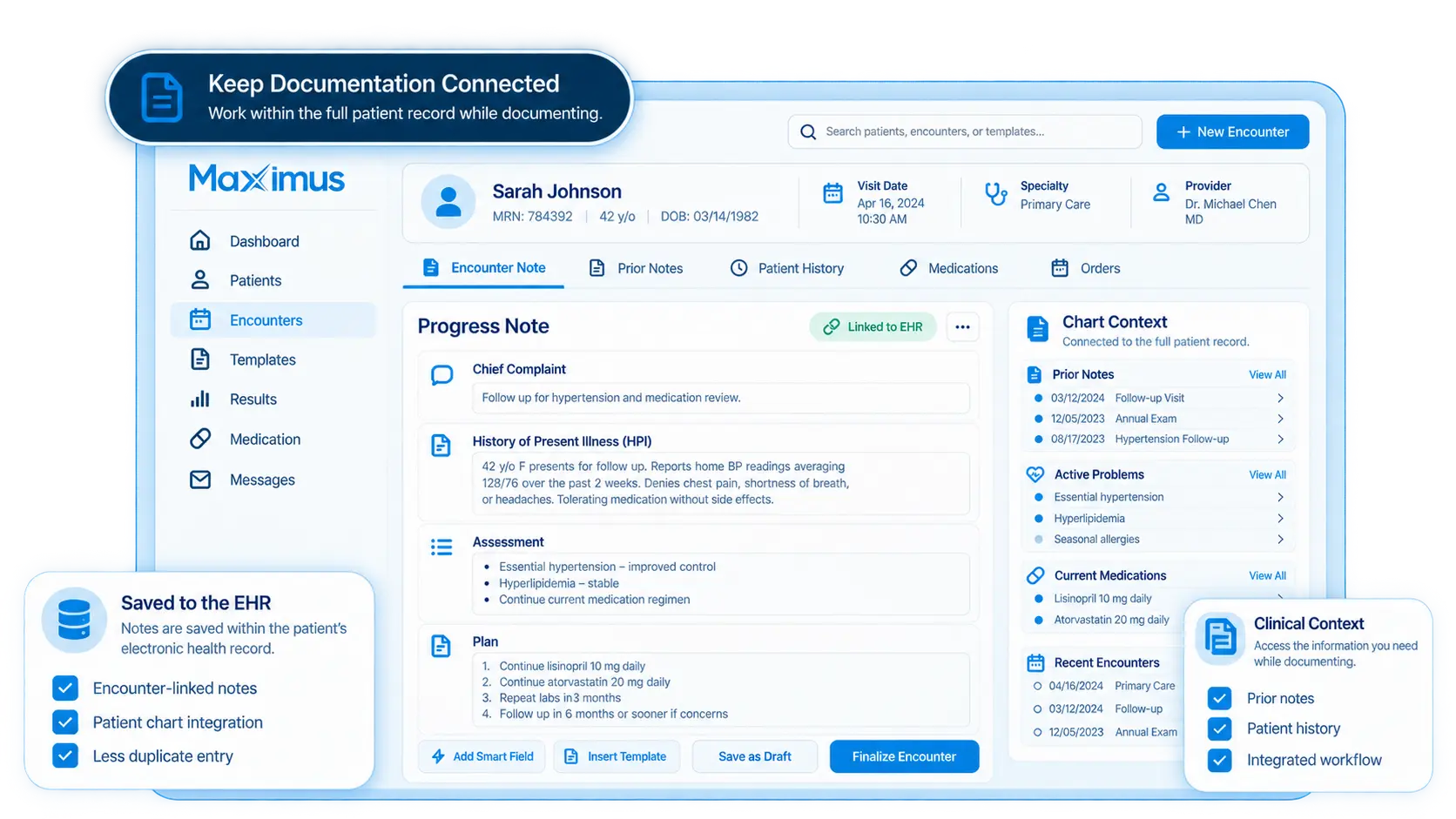

Start with the patient record and the appropriate clinical template. Use available patient information to establish the context for the encounter.
Capture the relevant history, examination findings, and other clinical details in organized sections that support your workflow.
Review the note for completeness and accuracy. Make any necessary corrections to ensure the documentation reflects the encounter.
Finalize the documentation and save it as part of the patient's electronic health record, following your practice's established workflow.
Use specialty-focused templates as a starting point instead of building every note from scratch.
Customize supported sections, fields, and reusable text to reflect your practice's documentation needs.
Providers review and complete their notes, ensuring the final documentation accurately represents the encounter.
Keep relevant patient information and prior documentation connected to the broader record, supporting continuity across visits.