- Platform
-
Core Platform
Electronic Health RecordsManage patient records, clinical data, and care workflows in one connected system.
Practice ManagementSimplify daily operations from scheduling to front-office workflows.
Patient EngagementKeep patients connected with convenient digital communication and access.
TelehealthDeliver secure virtual care directly through the Maximus platform.
Maximus IntelligenceUse intelligent automation to streamline clinical and administrative work.
IntegrationsConnect Maximus with the tools and systems your practice already uses.
Clinical & AI
AI Clinical DocumentationCreate accurate clinical notes faster with AI-assisted documentation.
Ambient AI ScribeCapture patient conversations and turn them into structured clinical notes.
E-PrescribingSend prescriptions electronically with a faster, safer provider workflow.
Clinical TemplatesStandardize documentation with flexible templates built around your workflow.
Labs & OrdersManage lab orders, results, and clinical follow-up from one place.
Referral ManagementTrack referrals efficiently from request through completion and follow-up.
Patient & Practice
Appointment SchedulingMake booking and schedule management easier for staff and patients.
Patient PortalGive patients secure access to appointments, records, and communication.
Digital Patient IntakeCollect patient information digitally before the visit begins.
Patient MessagingCommunicate securely with patients without relying on disconnected tools.
Appointment RemindersReduce missed visits with automated patient appointment notifications.
Electronic FaxSend and receive healthcare documents securely without traditional fax workflows.
Revenue & Connectivity
Medical Billing & RCMClaims ManagementEligibility VerificationReporting & AnalyticsWorkflow AutomationEHR Integrations
- Who We Serve
-
Specialties
Cardiology EHRSimplify daily operations from scheduling to front-office workflows.
Family Medicine EHRKeep patients connected with convenient digital communication and access.
Pediatrics EHRDeliver secure virtual care directly through the Maximus platform.
Psychiatry EHRUse intelligent automation to streamline clinical and administrative work.
Wound Care EHRConnect Maximus with the tools and systems your practice already uses.
Practice Types
Solo PracticeCreate accurate clinical notes faster with AI-assisted documentation.
Small PracticeCapture patient conversations and turn them into structured clinical notes.
Group PracticeSend prescriptions electronically with a faster, safer provider workflow.
Multi-Specialty PracticeStandardize documentation with flexible templates built around your workflow.
Enterprise PracticeManage lab orders, results, and clinical follow-up from one place.
Industries
Primary CareUrgent CareBehavioral HealthFQHCAmbulatory Surgery CentersSpecialty Clinics
- Resources
- About
- Contact
Join Today
Our Newsletter
Stay ahead with healthcare insights, EHR updates, practice growth tips, and exclusive Maximus news—all in one quick email.
We respect your privacy. Unsubscribe anytime.
- Platform
-
Core Platform
Electronic Health RecordsManage patient records, clinical data, and care workflows in one connected system.
Practice ManagementSimplify daily operations from scheduling to front-office workflows.
Patient EngagementKeep patients connected with convenient digital communication and access.
TelehealthDeliver secure virtual care directly through the Maximus platform.
Maximus IntelligenceUse intelligent automation to streamline clinical and administrative work.
IntegrationsConnect Maximus with the tools and systems your practice already uses.
Clinical & AI
AI Clinical DocumentationCreate accurate clinical notes faster with AI-assisted documentation.
Ambient AI ScribeCapture patient conversations and turn them into structured clinical notes.
E-PrescribingSend prescriptions electronically with a faster, safer provider workflow.
Clinical TemplatesStandardize documentation with flexible templates built around your workflow.
Labs & OrdersManage lab orders, results, and clinical follow-up from one place.
Referral ManagementTrack referrals efficiently from request through completion and follow-up.
Patient & Practice
Appointment SchedulingMake booking and schedule management easier for staff and patients.
Patient PortalGive patients secure access to appointments, records, and communication.
Digital Patient IntakeCollect patient information digitally before the visit begins.
Patient MessagingCommunicate securely with patients without relying on disconnected tools.
Appointment RemindersReduce missed visits with automated patient appointment notifications.
Electronic FaxSend and receive healthcare documents securely without traditional fax workflows.
Revenue & Connectivity
Medical Billing & RCMClaims ManagementEligibility VerificationReporting & AnalyticsWorkflow AutomationEHR Integrations
- Who We Serve
-
Specialties
Cardiology EHRSimplify daily operations from scheduling to front-office workflows.
Family Medicine EHRKeep patients connected with convenient digital communication and access.
Pediatrics EHRDeliver secure virtual care directly through the Maximus platform.
Psychiatry EHRUse intelligent automation to streamline clinical and administrative work.
Wound Care EHRConnect Maximus with the tools and systems your practice already uses.
Practice Types
Solo PracticeCreate accurate clinical notes faster with AI-assisted documentation.
Small PracticeCapture patient conversations and turn them into structured clinical notes.
Group PracticeSend prescriptions electronically with a faster, safer provider workflow.
Multi-Specialty PracticeStandardize documentation with flexible templates built around your workflow.
Enterprise PracticeManage lab orders, results, and clinical follow-up from one place.
Industries
Primary CareUrgent CareBehavioral HealthFQHCAmbulatory Surgery CentersSpecialty Clinics
- Resources
- About
- Contact
E-Prescribing for Physicians
E-Prescribing Software for Faster, Safer Prescription Workflows
Write and send prescriptions directly from your clinical workflow without switching between disconnected systems.
Maximus EHR's E-Prescribing helps physicians manage medication orders, review patient medication history, and connect with pharmacies from within the EHR. With a connected prescribing workflow, your team can spend less time on prescription paperwork and more time supporting patient care.
Maximus EHR's E-Prescribing helps physicians manage medication orders, review patient medication history, and connect with pharmacies from within the EHR. With a connected prescribing workflow, your team can spend less time on prescription paperwork and more time supporting patient care.

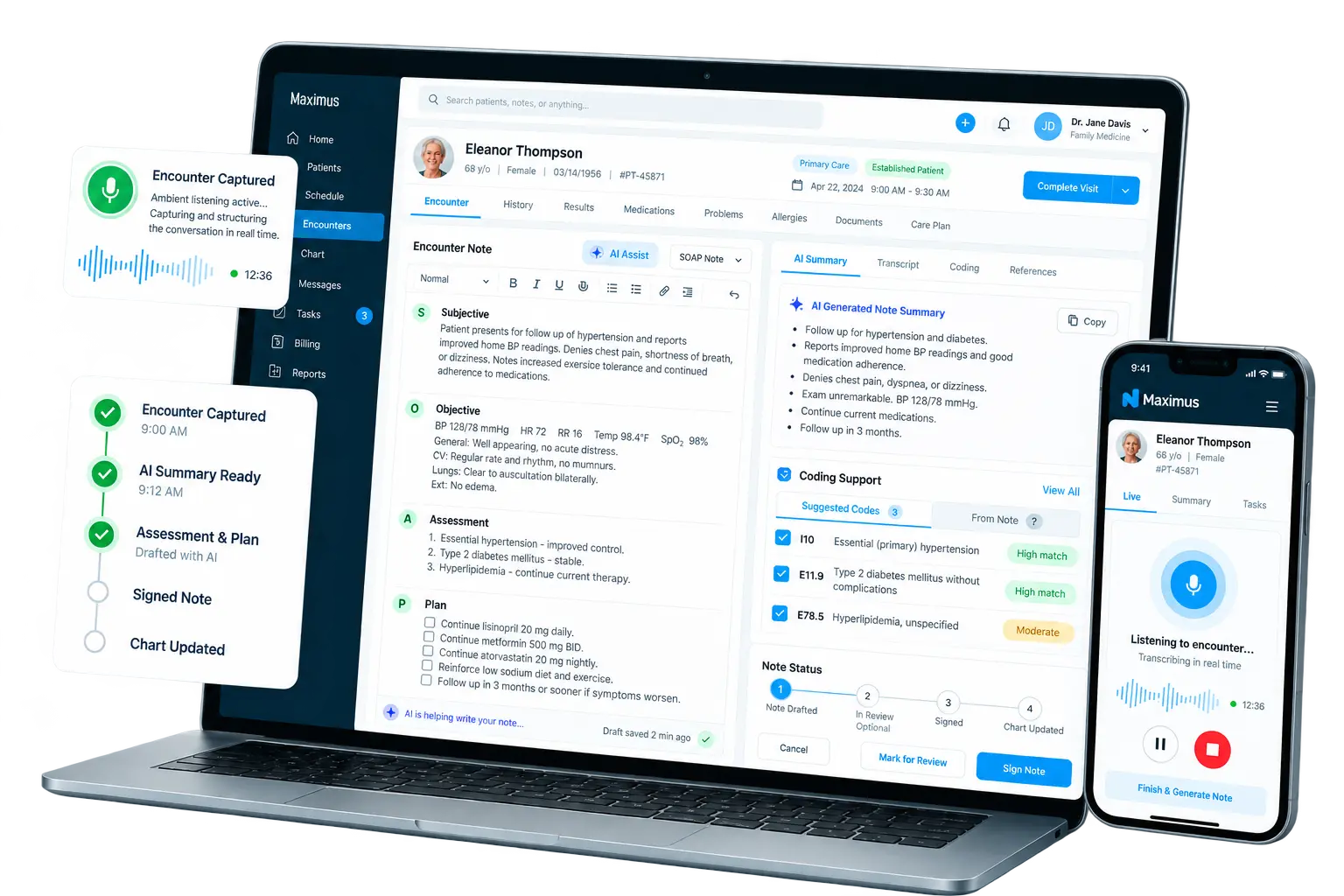
How E-Prescribing Fits Into the Clinical Workflow
From Medication Order to Pharmacy
A connected prescribing workflow helps physicians create, review, and manage prescriptions without unnecessary manual steps.
Create
Build medication orders from the patient's chart, using relevant clinical information and saved medication preferences to support routine prescribing.
Review
Review medication details alongside documented allergies, current medications, and relevant patient information before sending an order.
Send
Transmit prescriptions electronically to the patient's pharmacy through supported electronic prescribing connections.
Manage
Review prescription renewals, monitor pending requests, and access medication history to support continuity across patient encounters.
Provider's Workflow
Built Around the Provider, Not the Paperwork
Prescribing should be part of the patient encounter, not another disconnected task. Maximus EHR brings prescription management into the clinical workflow to help providers work with relevant patient information in one place.
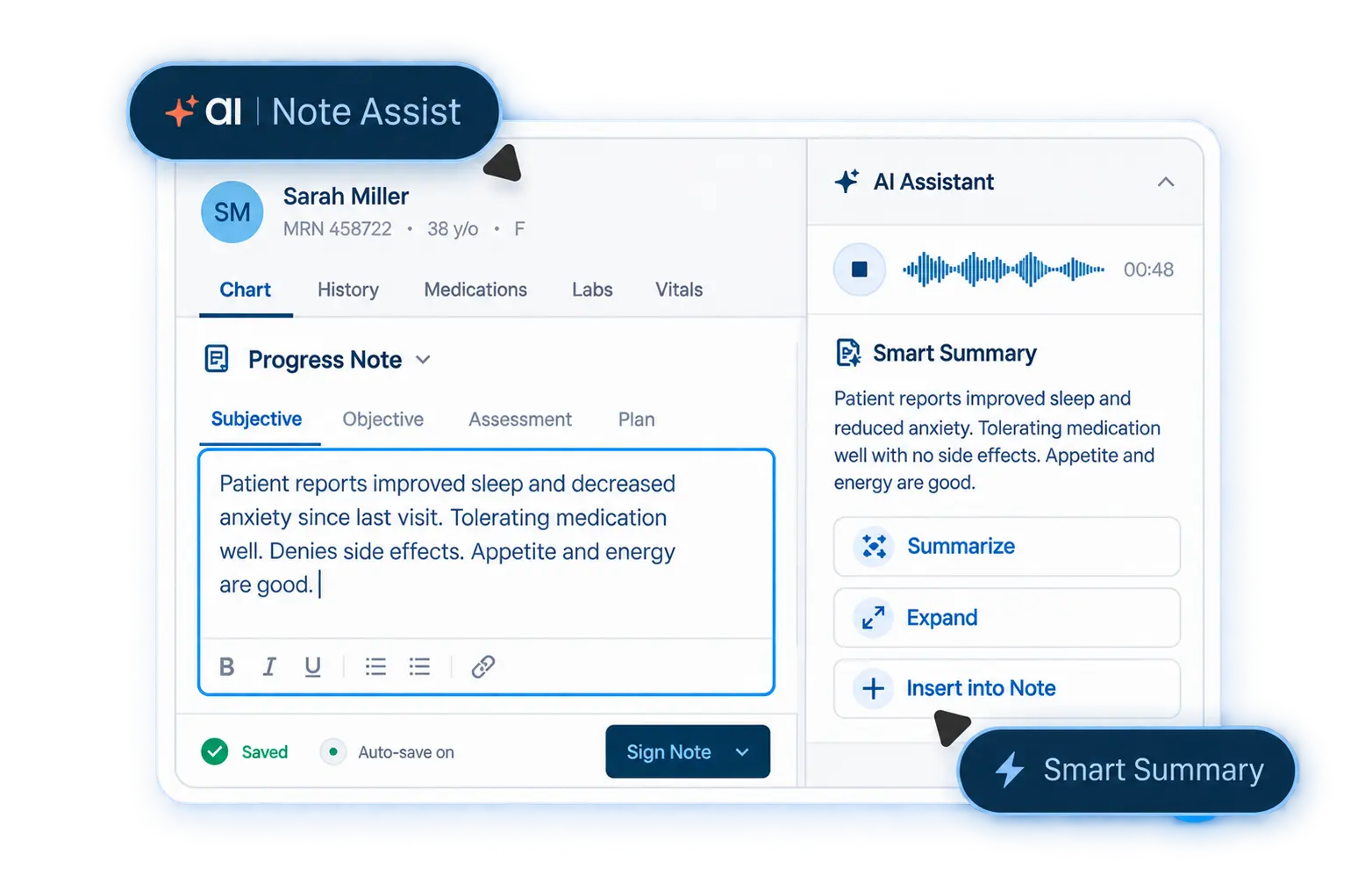
Create medication orders from within the clinical workflow instead of navigating between separate systems.
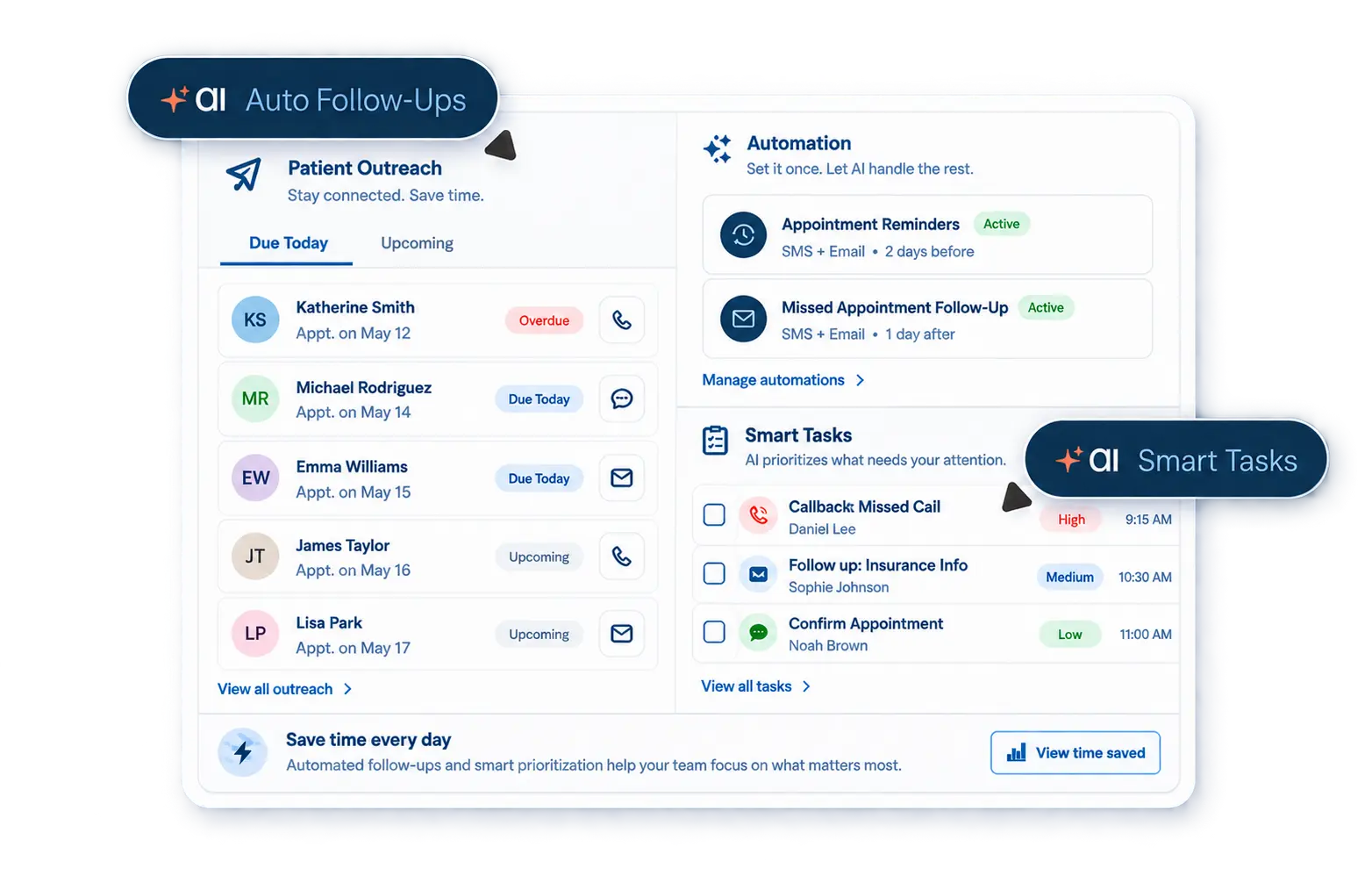
Access relevant patient information, documented allergies, and medication history while preparing prescriptions.
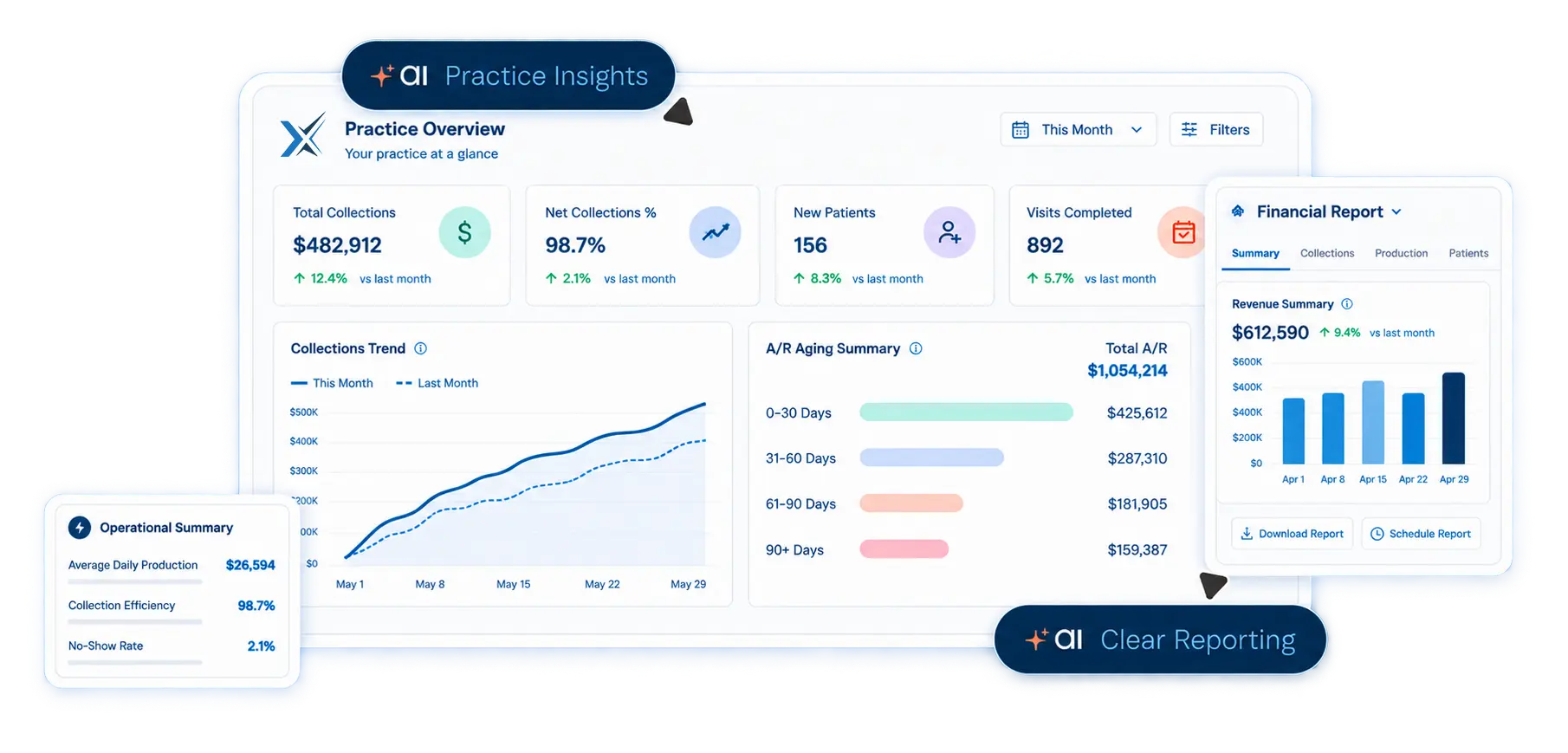
Review and manage renewal requests from a centralized workflow, helping staff keep track of pending and completed actions.
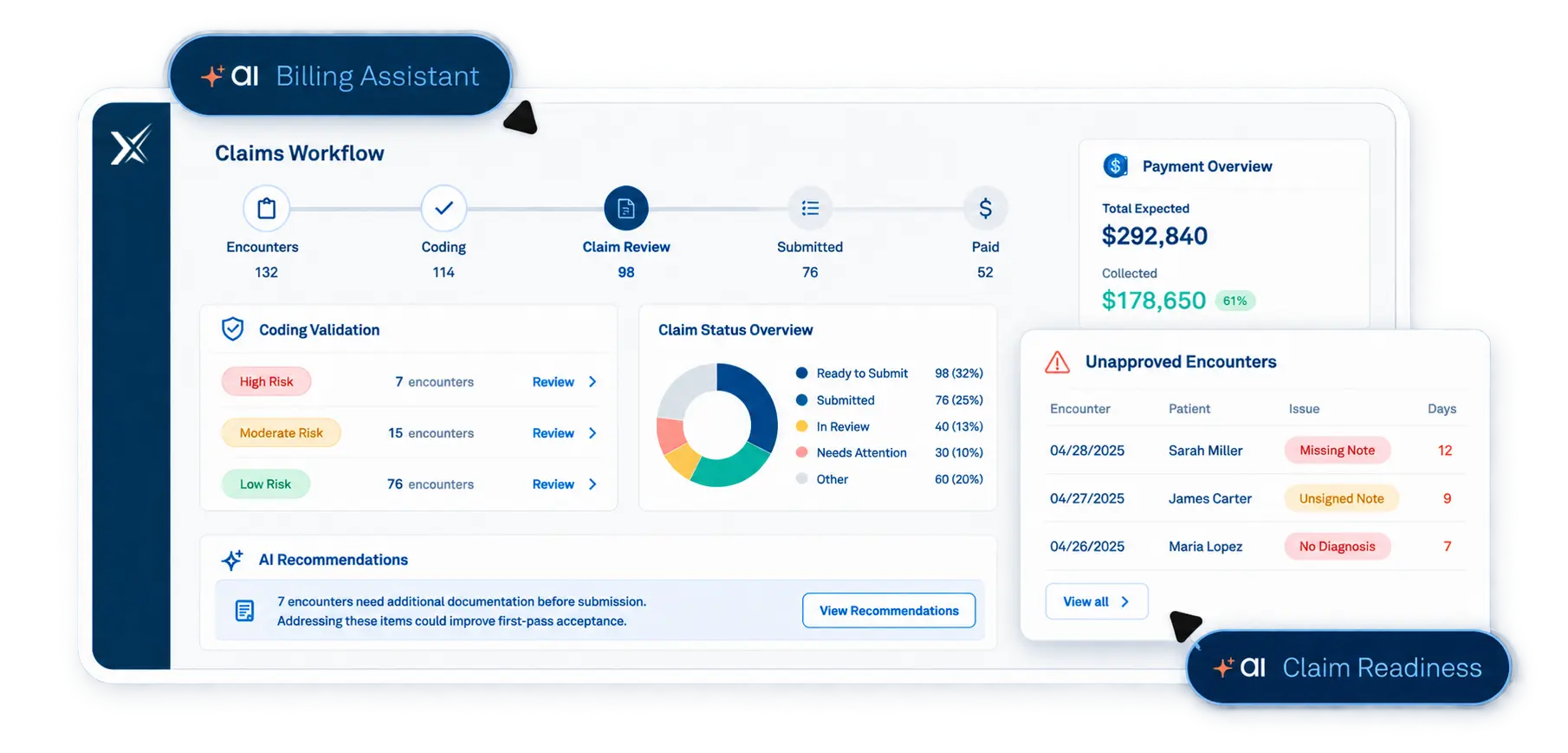
Use available drug interaction alerts, allergy alerts, and prescription warnings to identify potential concerns before an order is sent.
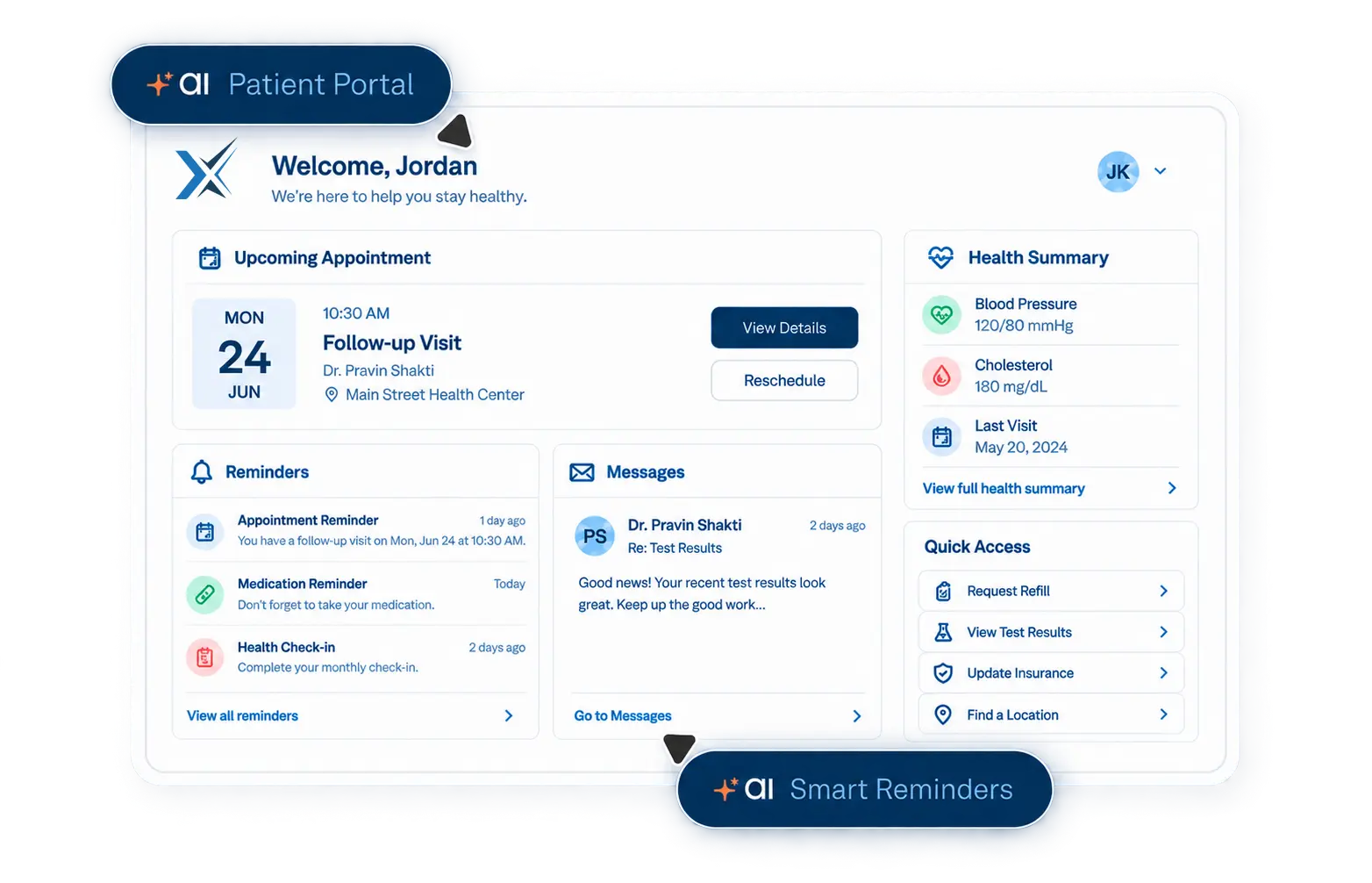
Keep prescription information associated with the patient's medical record to support continuity across encounters.
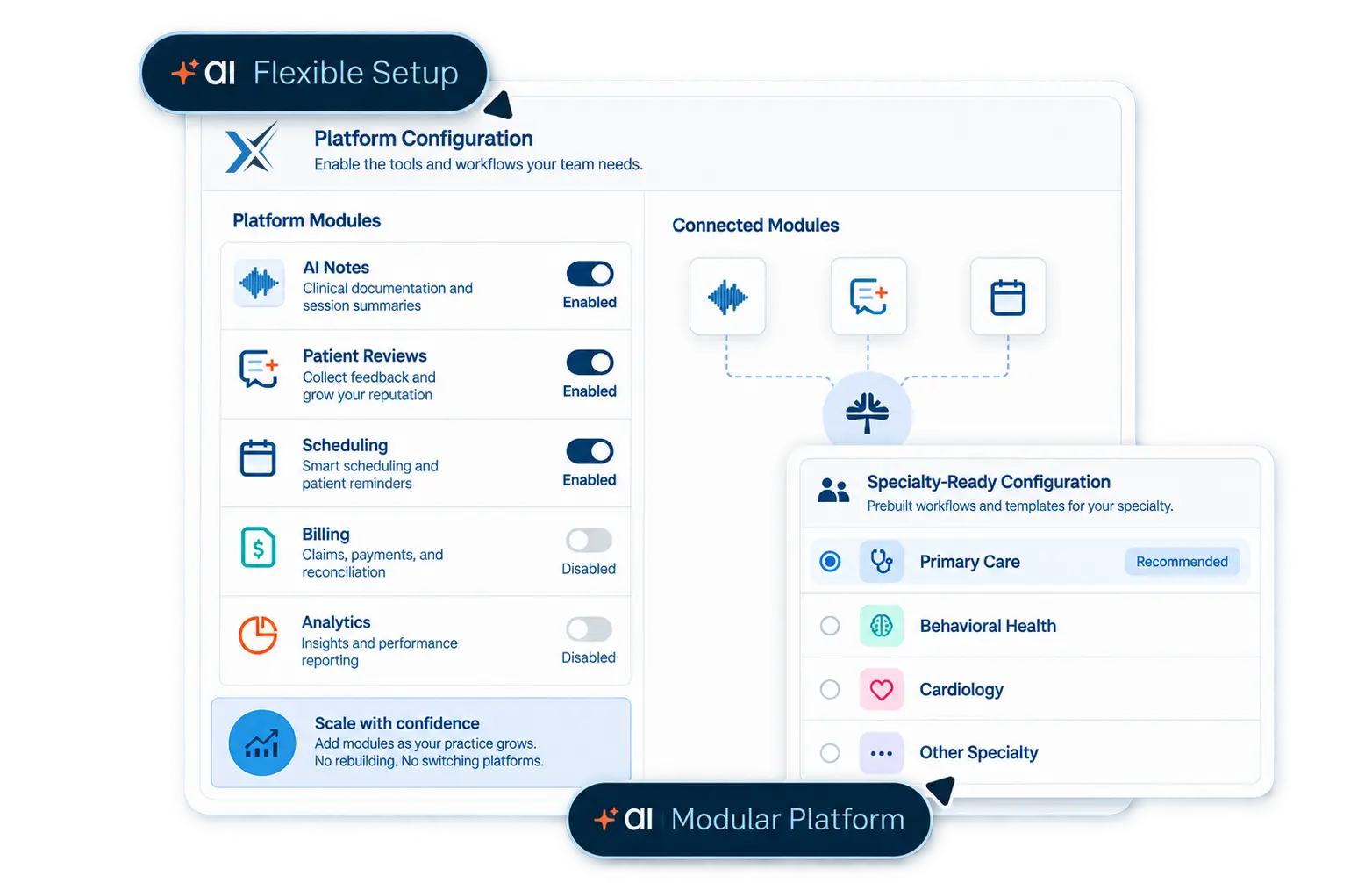
Electronic Health Records · Clinical Documentation · Medication Management · Practice Management · Patient Records
How to start
Getting Started With Maximus E-Prescribing
Get Maximus E-Prescribing working within your existing EHR workflow in three simple steps.
Step 01
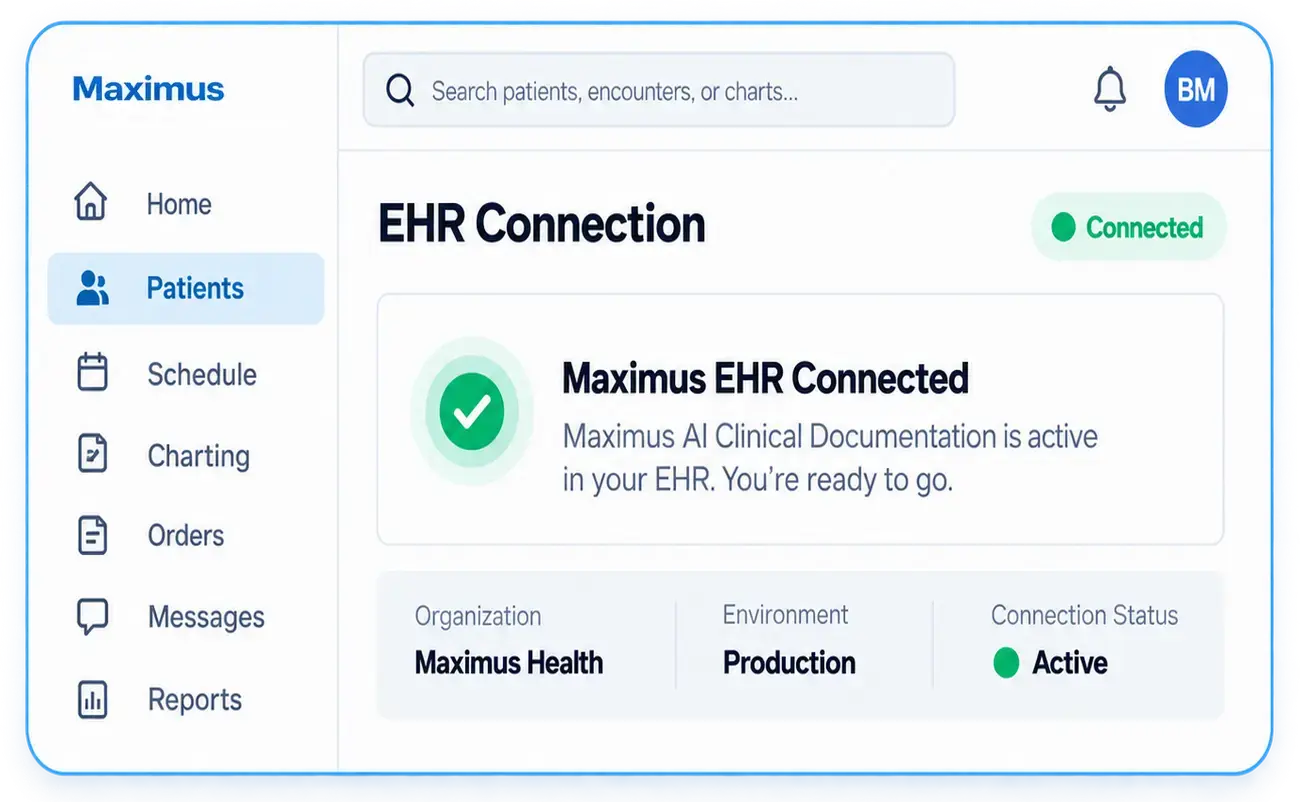
Connect Your Prescribing Workflow
Use e-prescribing within the broader Maximus EHR environment to connect medication ordering with patient records and clinical documentation.
Step 02
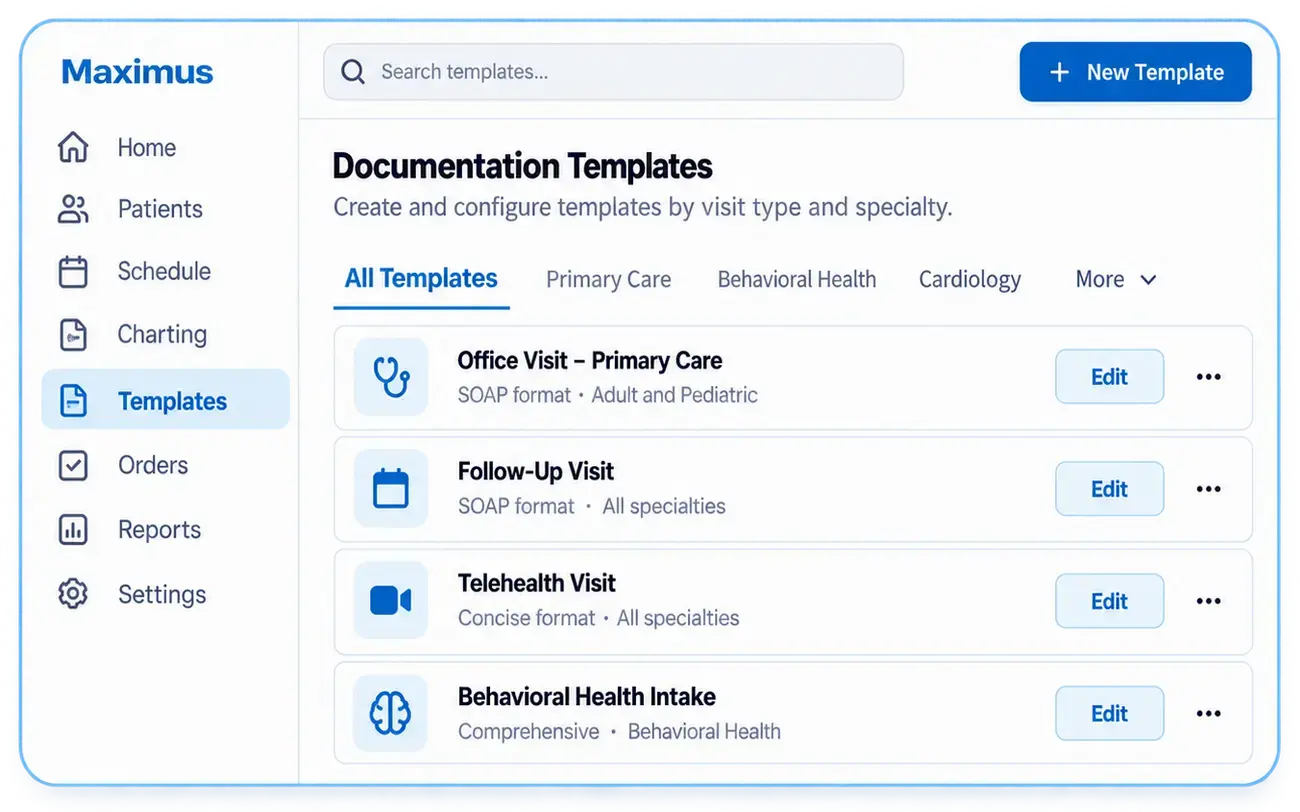
Configure Your Prescribing Preferences
Set up supported medication preferences, commonly used prescriptions, and relevant workflow settings to align with your practice's needs.
Step 03
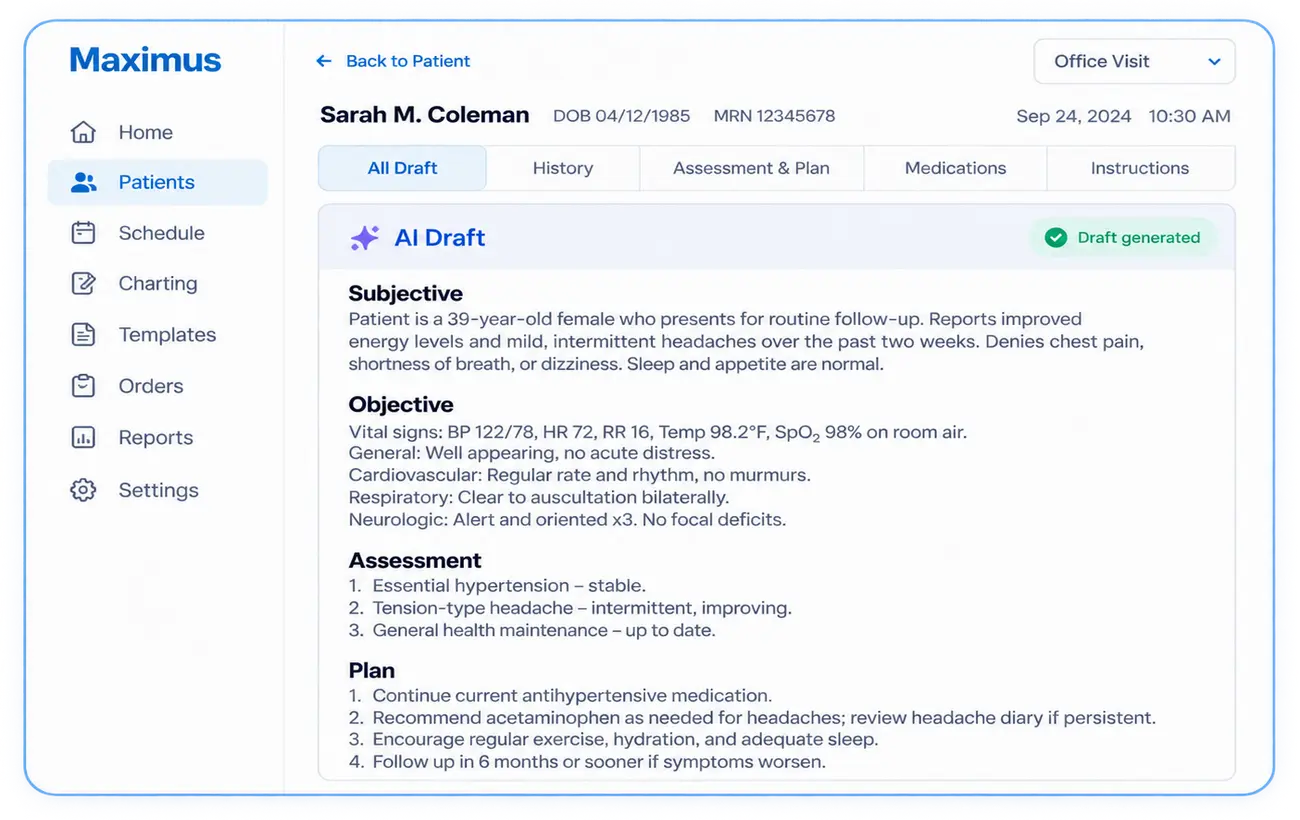
Prescribe and Manage Medications
Create and review medication orders, send prescriptions through supported pharmacy connections, and manage renewal requests within the prescribing workflow.
FAQs
Frequently Asked Questions
What is e-prescribing software?
E-prescribing software allows healthcare providers to create and send prescriptions electronically to a patient’s pharmacy. It reduces reliance on paper prescriptions, faxes, and phone-based communication. Maximus E-Prescribing connects this process with the broader EHR workflow.
How does electronic prescribing software help physicians save time?
Electronic prescribing can reduce repetitive data entry and unnecessary communication with pharmacies. Medication preferences, connected patient information, and centralized refill management can help streamline routine prescribing tasks. Actual time savings depend on the practice’s workflow and implementation.
Is Maximus E-Prescribing integrated with the EHR?
Yes. Maximus E-Prescribing is designed to work within Maximus EHR, connecting medication ordering with patient information and clinical documentation. Confirm the availability and configuration of specific integrations with the product team.
Can Maximus EHR support electronic prescribing of controlled substances?
Maximus EHR is positioned to support EPCS-ready workflows, including identity verification and two-factor authentication. Actual prescribing capabilities depend on system configuration, applicable requirements, and the necessary approvals and integrations. Contact the Maximus team to confirm eligibility and setup for your practice.
How does Maximus E-Prescribing help support medication safety?
The prescribing workflow includes support for drug interaction alerts, allergy alerts, and other prescription warnings. These tools can help providers identify potential medication concerns. Providers must still apply clinical judgment and review relevant patient information before authorizing prescriptions.
Is Maximus E-Prescribing suitable for small and independent practices?
Maximus E-Prescribing is positioned to support independent physicians and medical practices that want to connect prescription management with their existing clinical workflows. Its suitability depends on the practice’s prescribing needs, specialty, pharmacy connections, and implementation requirements.